I love learning about new tools to make social media marketing more creative and effective, so I’ve decided to share some of my favorite tools with you at the start of each week.
This week I’m recommending the web-based screen-recording tool RecordScreen.io.
This cool tool couldn’t be simpler to use. There’s no software or app to download, nor account needed to access this tool. It’s all web-based and works right from the browser.
You have the choice of recording your screen only or screen with camera.
RecordScreen.io is free to use and compatible with all web browsers.
I love learning about new tools to make social media marketing more creative and effective, so I’ve decided to share some of my favorite tools with you at the start of each week.
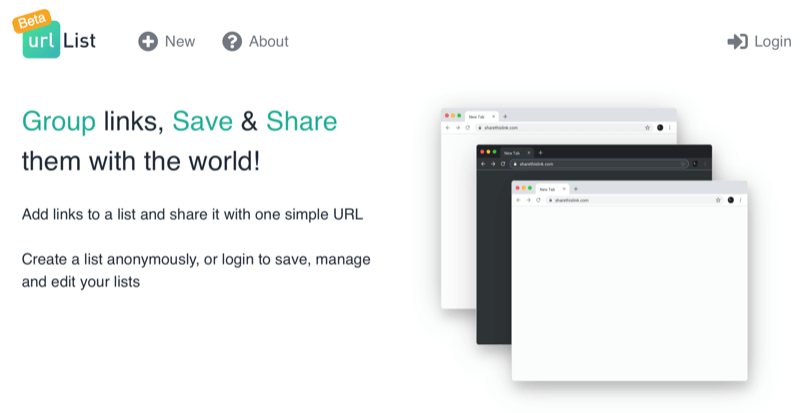
This week I’m recommending URLList – a bookmarklet that allows you to bring a group of URLs together in one place and then share them with a single link.
Pro Tip!
As recommended by Social Media Examiner, “One use case that isn’t explicitly stated on their site is to create a large list of URLs for all of your different product landing pages and then use that one URL in your Instagram bio.”
I love learning about new tools to make social media marketing more creative and effective, so I’ve decided to share some of my favorite tools with you at the start of each week. This week I’m recommending SEO tool TextOptimizer.
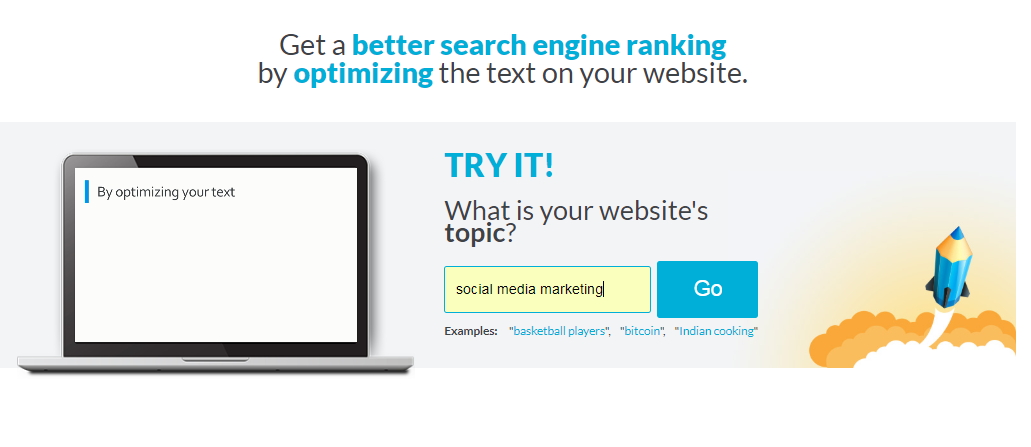
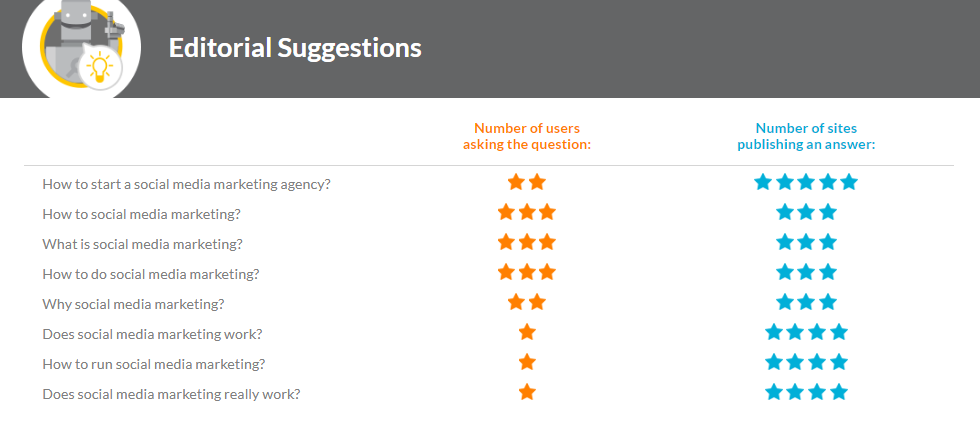
TextOptimizer helps you get a better search engine ranking by optimizing the text on your website. What’s cool about this tool is that it helps you surface topic ideas for your content marketing. You can see what people search for on the internet and tailor your content to answer those questions. Producing content loved by users and optimized for search engines means more organic traffic and more conversion.
Here’s how it works.
Enter your keywords in the search box.
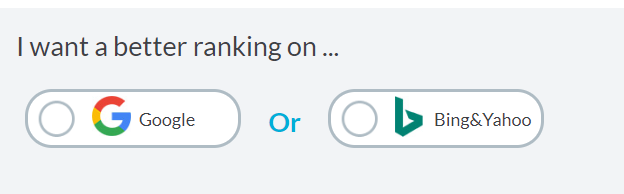
Choose which search engine you want to optimize for.
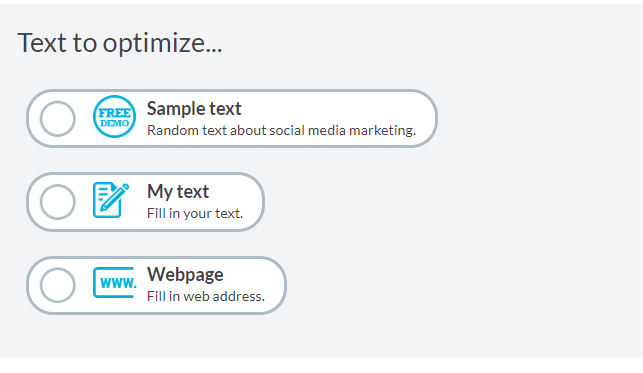
Choose one of these options – I’ll go with sample text for now.
The tool generates ideas for what I can write about based on what people are currently searching on Google.
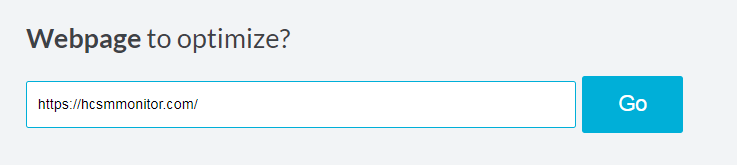
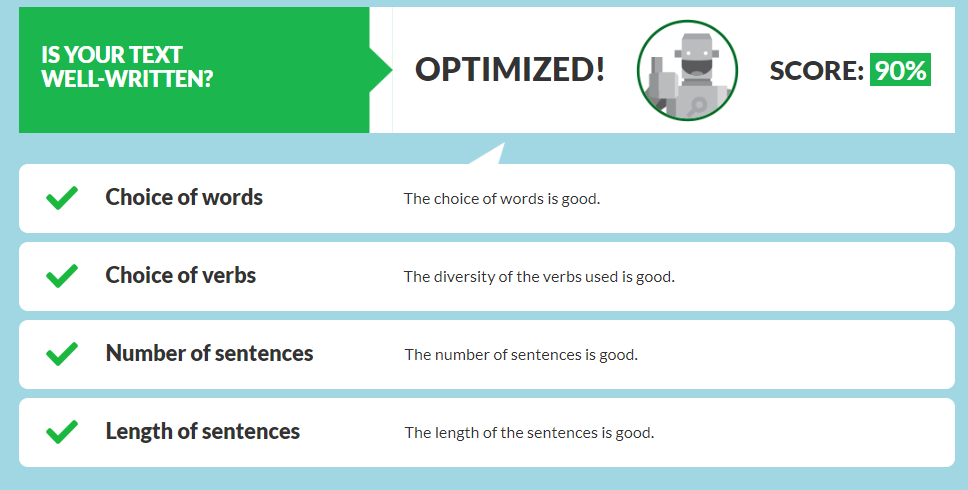
If I enter the URL of this website, Text Optimizer generates a score for me to see how well my content is optimized for search.
These are just some of the things you can do with TextOptimizer. It’s a super tool so I encourage you to take a look around it and see for yourself.
I love learning about new tools to make social media marketing more creative and effective, so I’ve decided to share some of my favourite tools with you at the start of each week. This week I’m recommending QuestionDB – a tool designed to help you generate content ideas.
Here’s how it works.
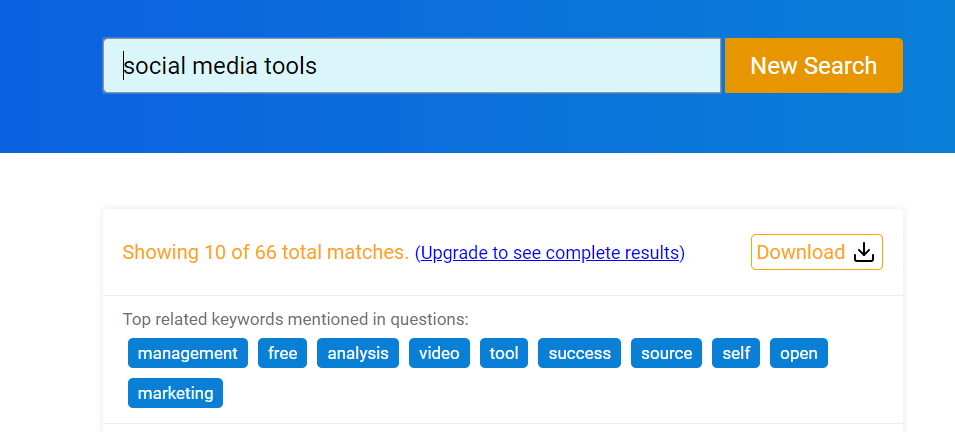
To get started, pick a broad keyword.
From there, whether you’re using the free or paid version of QuestionDB, you can dive deeper.
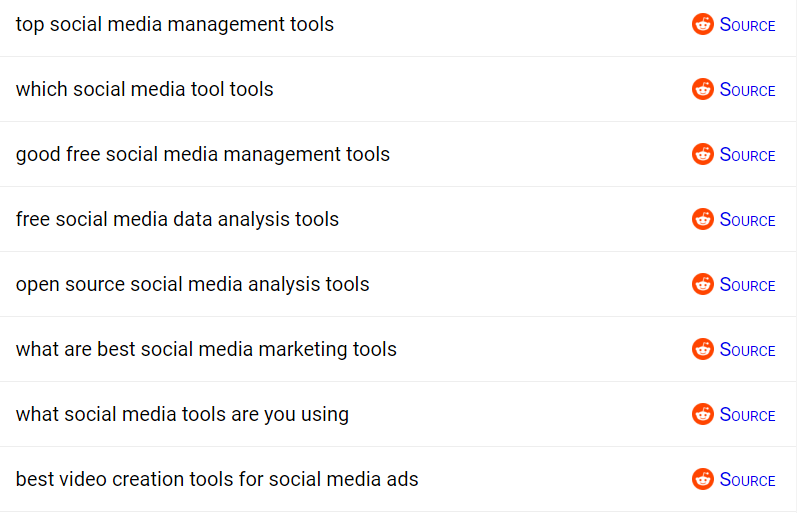
Then search these individually on QuestionDB, and you will get a list of specific questions about these topics that you can use as content ideas for your blog. And because questions are continually added to QuestionDB, it will help you generate content ideas easily on a continuous basis. To help you write those topics, toggle the “source” button on so that you can click through to where the question was originally asked (and see what others answered).
QuestionDB is free for a maximum of 10 results. The pro version costs $10 per month.
This week I’m recommending MailerLitean email marketing tool that makes it easy to create landing pages, opt-in forms, and emails.
With the explosion of social media marketing in recent years, the traditional email format may appear outdated. But nothing could be further from the truth. Even with the pervasiveness of new technology, email still remains a persuasive digital marketing channel for building awareness, boosting acquisition, and increasing conversion.
One of the best ways to build your list of subscribers is to offer something of value up front. This email incentive known as an “opt-in offer” or “lead magnet” is something you are willing to give away for free which requires people to provide an email address to download. This is where a tool like MailerLite is helpful.
MailerLite is free for up to 1,000 subscribers.
The free plan enables you to build landing pages and start mailing your first 1,000 subscribers, but excludes live chat support, free newsletter templates, and certain other features.
Premium plans start at $10/mo for up to 1,000 subscribers, rising in increments per subscribers. Premium plans offer additional features and unlimited emails per month.
I love learning about new tools to make social media marketing more creative and effective, so I’ve decided to share some of my favourite tools with you at the start of each week.
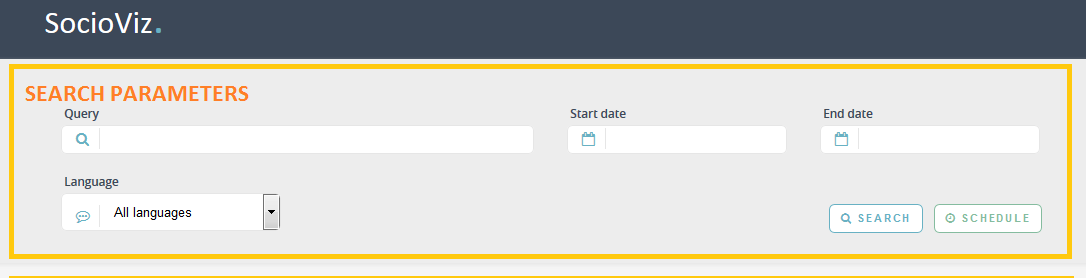
This week’s cool tool recommendation is SocioViz – a web-based Twitter analytics platform.
Use it to:
search for any keyword, hashtag, emoji or user mention filtering by date, location and language. Setup your historical searches or collect posts in real-time.
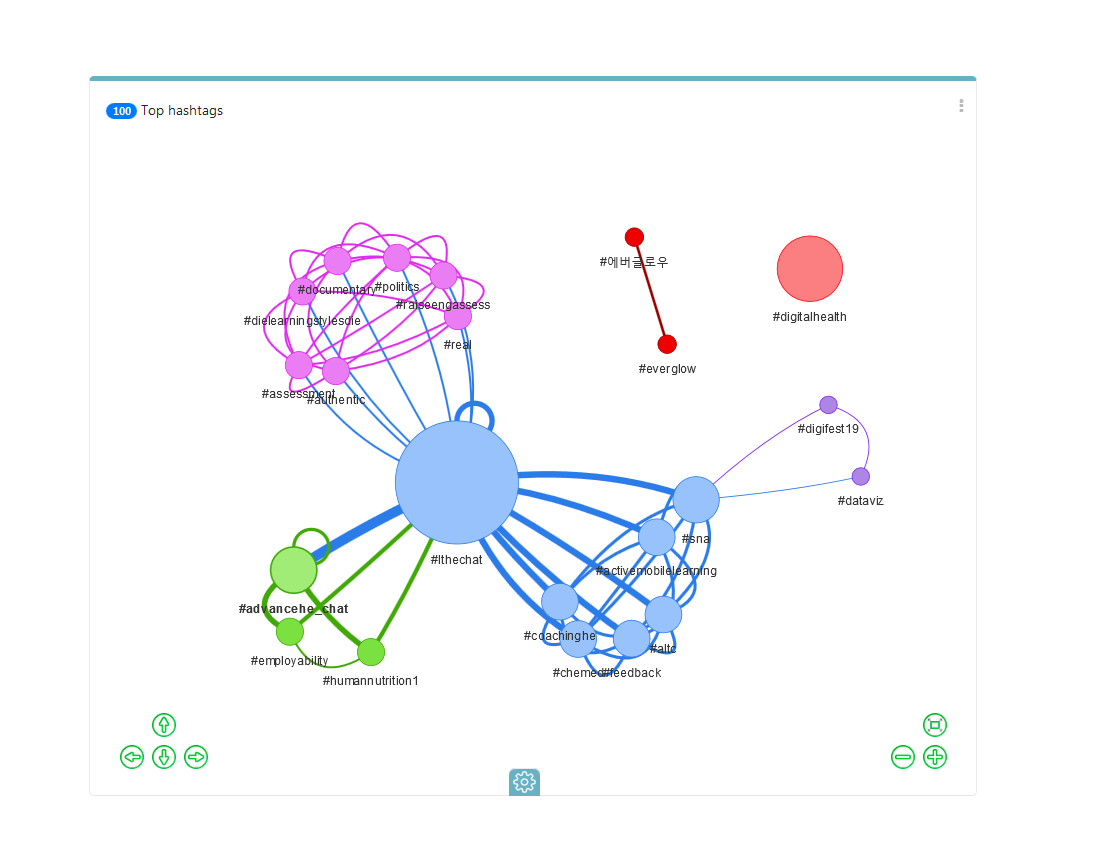
Identify conversation peaks, hashtags, words and emoji most used, most active and influential users.
Analyze conversation to hear what people are saying about your brand, competitors, and industry.
It’s a very detailed tool and best of all it’s free to sign up for an account. This short video gives you an overview of what you can do with it.
I love learning about new tools to make social media marketing more creative and effective, so I’ve decided to share some of my favourite tools with you at the start of each week.
This week’s cool tool recommendation is Bitwarden – a secure and free password manager for all of your devices.
Bitwarden makes it easy for you to store all of your logins and passwords while conveniently keeping them synced between all of your devices.
I love learning about new tools to make social media marketing more creative and effective, so I’ve decided to share some of my favourite tools with you at the start of each week. This week’s cool tool recommendation is subject line rating tool – SubjectLine.
According to Copyblogger, on average, 8 out of 10 people will read headline copy, but only 2 out of 10 will read the rest. Your headline is the first (perhaps only) impression you make on a prospective reader.
SubjectLine has studied and analyzed millions of headlines to see what works. Simply enter your subject or title into its online tool and get a grade (out of 100 possible points). It will tell you what works and what can help you to improve.
I love learning about new tools to make social media marketing more creative and effective, so I’ve decided to share some of my favourite tools with you at the start of each week. This week’s cool tool recommendation is infographic maker Piktochart .
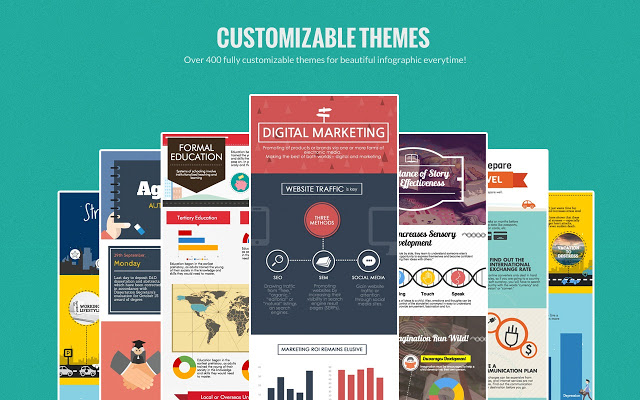
Infographicsare great for getting your content shared but many people are put off by the thought that you have to hire a graphic designer to create them. The good news is you don’t have to be a designer nor spend a lot of money to create them. Use a tool such as Piktochart to create engaging infographics. Choose a template and then customize it with text, fonts, and colors.
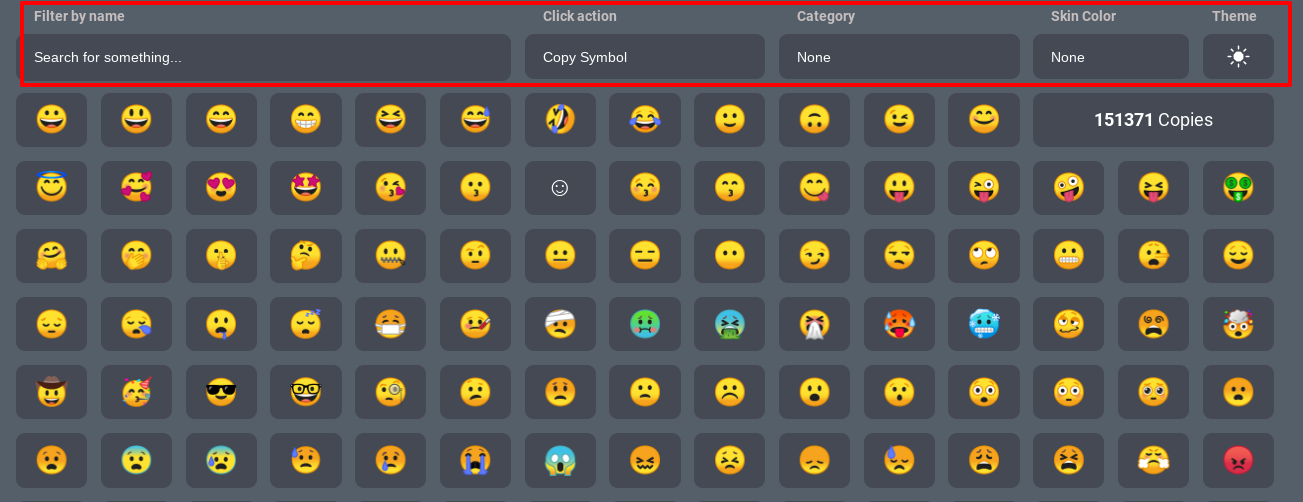
I love learning about new tools to make social media marketing more creative and effective, so I’ve decided to share some of my favourite tools with you at the start of each week. This week I’m recommending Emojim – a browser-based app that helps you search for the right emoji for your social media updates.
How to use this tool
You can either scroll through the site until you find the right emoji or use the search feature to type a description of the emoji or feelings you’re looking to convey. You can also search by category, skin color, or theme.





 Health Care Social Media