Posted in Cool Tool

Monday Morning Cool Tool: DiffusionArt

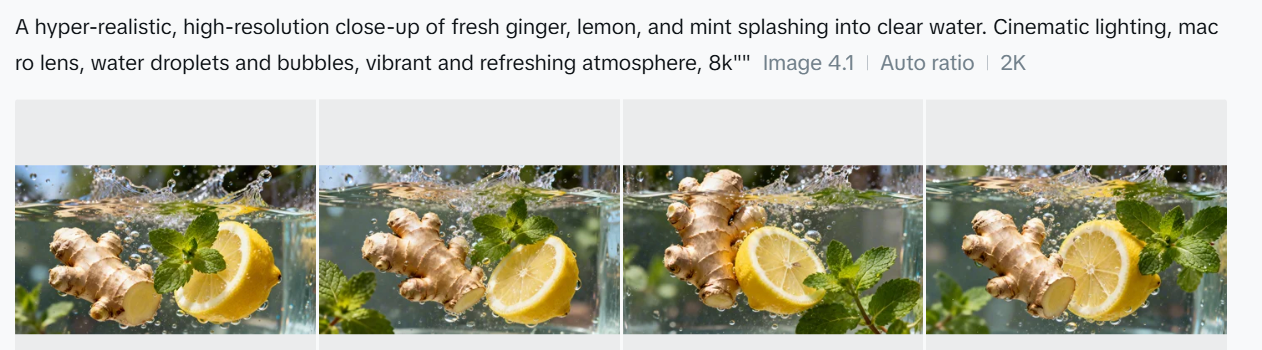
This week’s cool tool recommendation is DiffusionArt – a user-friendly, AI art generator

DiffusionArt is a browser-based platform that makes it easy to generate AI art from simple text prompts. It houses a curated library of open-source AI art models specializing in creating various types of images, including art pieces, anime characters, and photorealistic images. It also provides tools like a Prompt Generator, Conceptualizer, and even Anime Video Generators.

Pricing

DiffusionArt is free to use with a generous daily limit, making it perfect for casual creators. Paid tiers offer expanded limits, priority processing, and access to premium models for those who want to take their AI art to the next level.

Posted in Cool Tool

Monday Morning Cool Tool: Snappa

This week’s cool tool recommendation is Snappa – a cloud-based graphic design tool.

Snappa is a user-friendly graphic design tool, particularly well-suited for those who need to quickly create visuals without a steep learning curve or expensive software.

Key Features

  • Extensive Library of Templates: Offers thousands of pre-designed templates for various purposes (social media posts, blog graphics, ads, etc.) that are customizable.  
  • Vast Stock Photo & Graphics Library: Provides access to millions of royalty-free, high-definition photos and a wide selection of graphics, icons, and vectors.  
  • Text Editor: Allows users to add and customize text with a variety of fonts, sizes, colors, and effects.  
  • Image Editor: Includes basic image editing tools like cropping, resizing, flipping, rotating, and adjusting brightness/contrast.  
  • Background Remover: A one-click tool to remove backgrounds from images.  
  • Image Resizer: Makes it easy to resize graphics for different social media platforms with pre-set dimensions.  
  • Custom Font Uploads: Paid plans allow users to upload their own brand fonts for consistency.  
  • Social Media Integrations: Offers direct integration with platforms like Buffer for easy scheduling and publishing (on paid plans).  
  • Team Collaboration: Team plans allow multiple users to collaborate on designs.  
  • Brand Kit: Enables users to save brand colors and logos for easy access.  

Pricing:

Snappa offers different pricing tiers, including a free plan with limitations:  

  • Free Plan: Typically includes access to all templates and the stock photo library but limits the number of downloads per month (usually 3) and the number of connected social accounts. It’s generally for single users.  
  • Pro Plan: A paid plan for individuals, usually offered at a monthly or annual fee, that unlocks unlimited downloads, social media integrations, custom font uploads, background removal, and more.  
  • Team Plan: Aimed at teams, offering the same features as the Pro plan but for multiple users (typically up to 5 on the standard team plan), often with collaboration features.  

Posted in Cool Tool

Monday Morning Cool Tool: Filmora

This week’s cool tool recommendation is Filmora a user-friendly video editing tool.

Filmora offers a balance of powerful features and an intuitive interface, making it accessible for those new to video editing while still providing tools for more creative projects.

Key Features

Filmora boasts a wide array of features, including:

  • Basic Editing: Trimming, cutting, splitting, merging, rotating, and adjusting video speed.
  • Visual Effects: A large library of filters, transitions, titles, and motion elements.
  • Audio Editing: Tools for adjusting audio levels, adding background music, recording voiceovers, and noise reduction.
  • Colour Correction and Grading: Options for adjusting colour balance, applying LUTs, and enhancing the visual look of videos.
  • Text and Titles: Customisable text and title templates, including animated options.
  • Motion Tracking: The ability to track objects within a video and apply effects or elements that follow their movement.
  • Green Screen (Chroma Key): Tools for removing and replacing backgrounds.
  • Screen Recording: The ability to record your computer screen.
  • AI-Powered Features: Recent versions include AI tools like:
    • AI Text-Based Editing: Editing video by manipulating its transcription.
    • AI Music Generator: Creating royalty-free background music.
    • AI Portrait Cutout: Removing video backgrounds.
    • AI Smart Masking: Automatically creating masks around objects.
    • AI Audio Denoise: Reducing background noise in audio.
    • AI Voice Enhancer: Improving vocal clarity.
    • AI Smart Cut: Identifying and clipping interesting moments.
    • AI Smart Short Clips: Creating short clips for social media.
    • AI Image to Video: Turning still images into moving videos.
    • AI Sound Effect Generator: Creating custom sound effects from text prompts.
    • AI Voice Cloning: Creating an AI voice clone.
    • AI Translation & Lip Sync: Translating speech and syncing it to lip movements.
  • Templates and Assets: Built-in templates, royalty-free music, sound effects, and the ability to access more through the Filmora Effects Store.
  • Social Media Integration: Features designed for creating content for platforms like YouTube, TikTok, and Instagram, including auto-reframe tools.

Pricing

Filmora offers a free version that gives you access to basic editing tasks and access to a selection of built-in filters, transitions, titles, and motion elements. It’s a great way to try out the software, learn its interface; however, the watermark on exported videos makes it unsuitable for projects where a professional, unbranded output is necessary. To remove the watermark and access the full range of features and assets, you would need to purchase a paid subscription or a perpetual license.

Posted in Cool Tool

Monday Morning Cool Tool: Flux AI

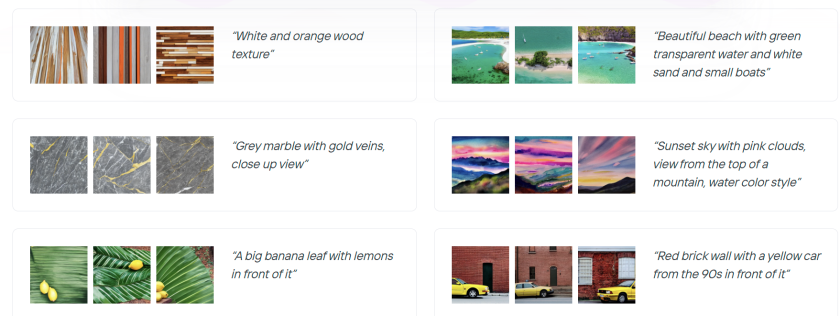
This week’s cool tool recommendation is Flux AI, a web-based image and video tool.

Key Features and Capabilities

  • Flux AI Image Generator
    • This tool allows users to generate images from textual descriptions. Users can input a prompt, and the AI will produce corresponding visuals, offering a powerful way to bring creative ideas to life.  
    • It also supports image-to-image generation, enabling users to modify and transform existing images.
  • Flux AI Video Generator
    • Moving beyond static images, Flux AI extends its capabilities to video creation. Users can generate dynamic videos from text prompts or images, opening up new possibilities for video content production.  
  • Free Tools
    • Flux AI provides a suite of free tools that enhance the content creation process:
      • Image-to-Prompt Generator: This tool helps users refine their prompts by analyzing existing images and suggesting relevant keywords.
      • Image Upscaler: Users can improve the resolution and quality of their images with the upscaler tool.
      • Image Converter: The platform facilitates seamless image format conversions.

Free: New users get 40 credits, and daily check-ins provide 20 credits. This plan includes 5 daily prompt generations and 5 daily image-to-prompt conversions.


Posted in Cool Tool

Monday Morning Cool Tool: Picsart

This week’s cool tool recommendation is Photoroom – an AI background generator that transforms your images with ease.

Photoroom is a mobile and web application that uses artificial intelligence to effortlessly remove, replace, and generate backgrounds. Users can either remove existing backgrounds or generate entirely new ones using text prompts or image inputs.

Unlike traditional image editing software, Photoroom prioritizes simplicity and speed, making complex background changes accessible to anyone without requiring extensive technical skills.

Pricing

Photoroom offers a free tier that provides core background removal and basic editing functionalities, suitable for everyday users. A subscription unlocks premium features like high-resolution exports, batch editing, and access to a wider range of AI-generated backgrounds.

Posted in Cool Tool

Monday Morning Cool Tool: Picsart

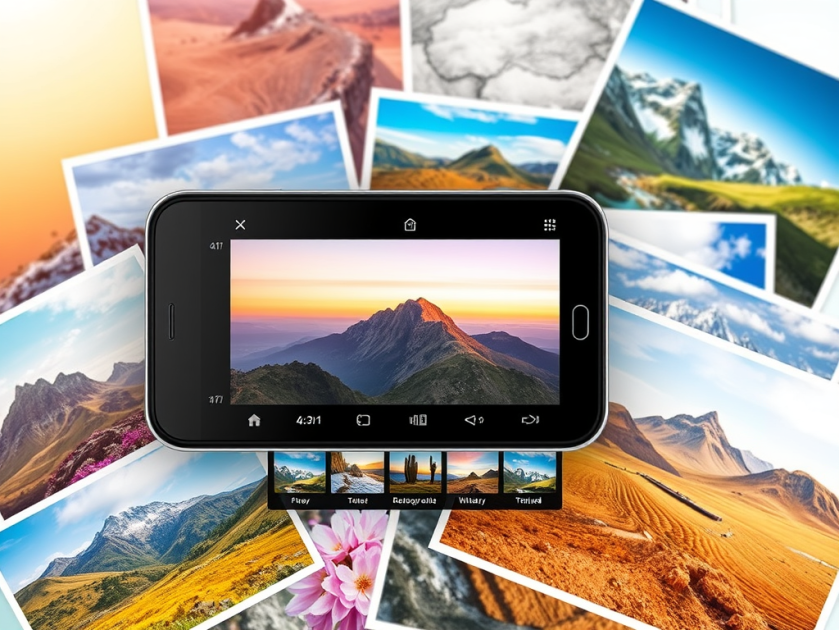
This week’s cool tool recommendation is Picsart – a free AI image generator.

PicsArt is a mobile and desktop editing platform that combines powerful AI-driven tools with an intuitive interface. It allows users to edit photos, create digital art, design marketing materials, and even edit videos—all from their smartphones. Unlike traditional editing software, PicsArt is built for speed and ease of use, making it a great choice for those who want professional-looking visuals without the learning curve of tools like Photoshop.

One of PicsArt’s biggest advantages is its AI-driven tools. Features like background removal, smart selection, and AI-powered filters allow users to transform images with a single tap. Features like blending modes, layers, and masking—tools typically found in professional software—are simplified for everyday users. Whether you’re creating a logo, designing a social media post, or experimenting with artistic edits, the interface is intuitive and beginner-friendly.

PicsArt isn’t just for photos—it also offers robust video editing features. Users can trim clips, add effects, overlay text, and apply filters to enhance their videos for platforms like TikTok and Instagram.

Pricing

Picsart’s free tier provides a robust set of tools, from filters to ready-made templates, and editing tools for the everyday user, while a subscription unlocks advanced features.

So, if you haven’t tried PicsArt yet, why not explore its features and see what you can create?

Posted in Cool Tool

Monday Morning Cool Tool: FindSounds

This week’s cool tool recommendation is FindSounds – a website and search engine to assist in locating specific sounds or audio clips.

FindSounds is a search engine for locating specific audio clips and sound effects. Use it to add professional polish to multimedia projects and digital content. You can search for background music, ambient sounds, or specific audio elements to match the theme of your content.

For live streaming or webinars, you can use FindSounds to find intro music, outro music, or background music to make your broadcasts more polished and engaging. You can also use it to add sound effects for interactive elements or notifications.

You might also like to consider searching for music and sounds via Soundcloud.

Posted in Cool Tool

Monday Morning Cool Tool: PhotoRoom

This week’s cool tool recommendation is PhotoRoom – a user-friendly AI-powered tool that simplifies the process of removing and replacing image backgrounds

While not a comprehensive photo editor, its intuitive interface and reliable AI make it a fantastic choice for beginners and anyone seeking a quick and efficient solution for background swaps.

How PhotoRoom Works

  1. Image Selection: Begin by uploading your desired image in PNG or JPG format. Higher resolution images generally yield better results.
  2. Background Removal: PhotoRoom’s AI swiftly analyzes the image and automatically removes the background. You can then fine-tune the selection by adjusting the crop as needed.
  3. Background Replacement: A vast library of backgrounds awaits. Explore a diverse range of textures, colors, and patterns, or delve into themed collections like “Nature” (featuring skies, starry nights) and “Art” (inspired by Van Gogh, masterpieces).
  4. Downloading: Save a low-resolution preview of your edited image with a watermark for free. To obtain the high-definition version, a Pro account is necessary.

Key Advantages

  • Effortless Background Removal: AI-powered technology makes background removal a breeze, even for those with no prior photo editing experience.
  • Intuitive Interface: The user-friendly design ensures a smooth and enjoyable editing experience.
  • Versatile Background Library: A wide array of backgrounds caters to various needs and creative visions.
  • Time-Saving: Quickly and efficiently replace backgrounds, streamlining your workflow.

Pricing

While basic backgrounds like blank tiles are available for free, premium options, including more sophisticated and creative backgrounds, require a Pro account subscription.

Posted in Cool Tool

Monday Morning Cool Tool: Adobe Color

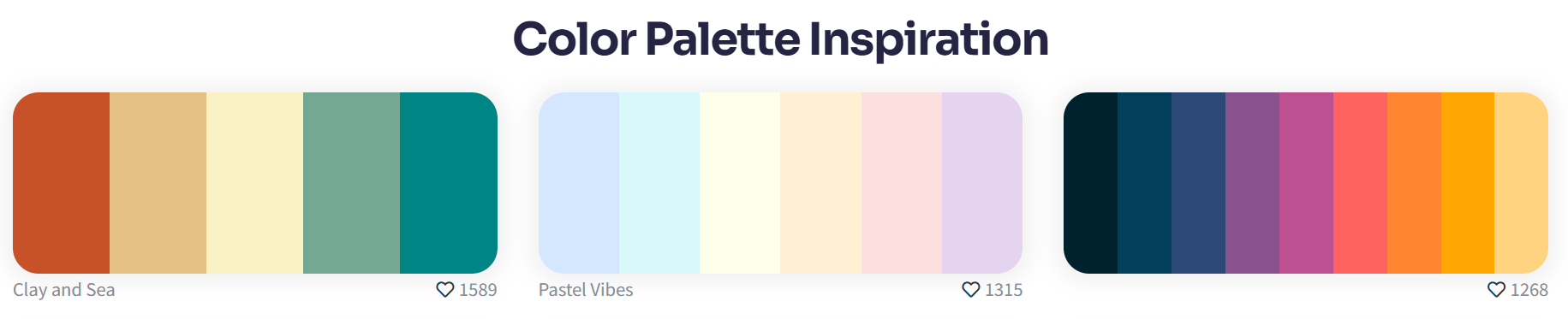
This week’s cool tool recommendation is Adobe Color – a free online tool that allows you to create and explore color palettes.

Here are some of the things you can do with Adobe Color:

  • Create color palettes based on color theory: Use the color wheel to create palettes that are harmonious and pleasing to the eye. You can also use different color harmonies, such as complementary, analogous, and triadic.
  • Extract themes from images: Upload an image and Adobe Color will extract a color palette from it. This is a great way to create a palette that matches the colors in an image you like.
  • Explore pre-made themes: Browse thousands of user-created color palettes for inspiration. You can search by keyword, mood, or even specific color.
  • Accessibility tools: Adobe Color helps you create accessible themes that are usable for people with color blindness.
  • Integration with Adobe products: Once you’ve created a palette, you can easily use it in other Adobe products like Photoshop, Illustrator, and InDesign.

Website: https://color.adobe.com/

Posted in Cool Tool

Monday Morning Cool Tool: Icon Archive

This week’s cool tool recommendation is Icon Archive – a free online platform that hosts an extensive library of over 8,000 icons and symbols.

The platform enables effortless searching, previewing, and downloading of icons. Its intuitive search feature allows for the discovery of icons through keywords, categories, or specific tags and allows for downloading in multiple formats and sizes.

You might also like to try The Noun Project and Icon Hunt for similar.