Posted in Cool Tool

Monday Morning Cool Tool: Flaticon

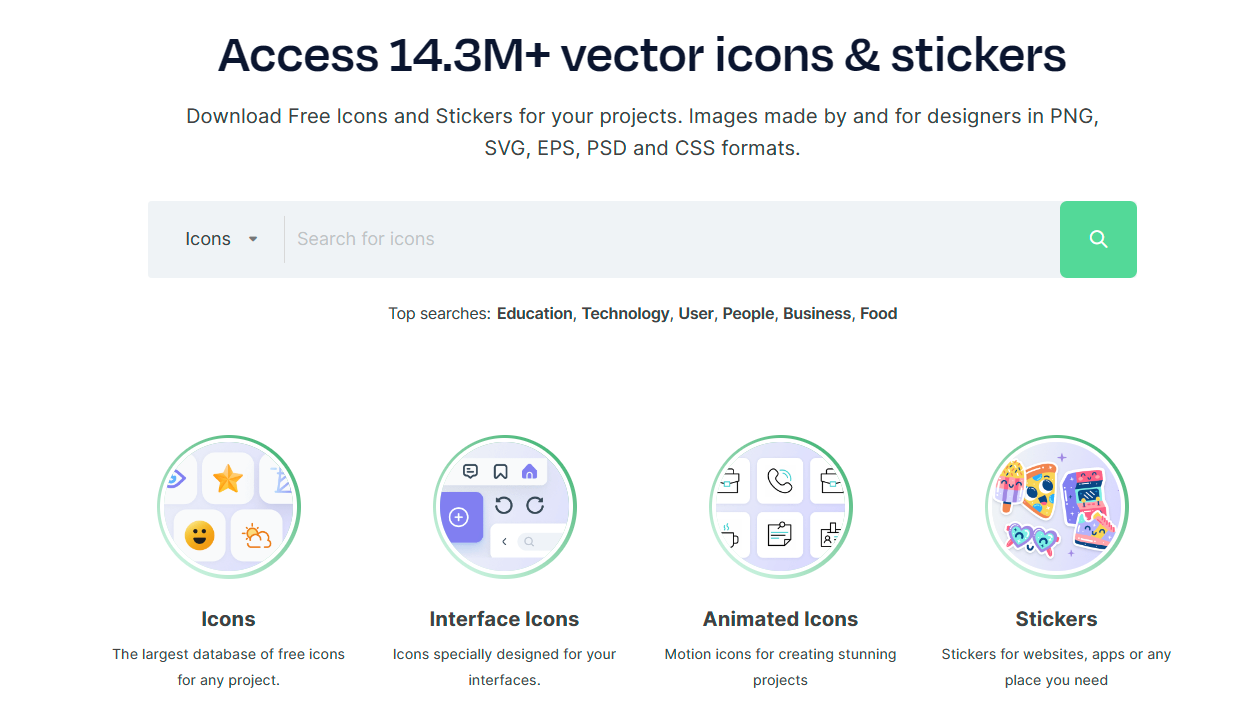
This week’s cool tool recommendation is Flaticon – a website that offers a large collection of free and premium icons.

There are numerous categories of icons available from Flaticon, including business, technology, nature, and many others. The icons are available in a variety of formats, such as PNG, SVG, EPS, and more. With the platform’s powerful search and filter options, users can quickly find specific icons or narrow down their choices based on styles, colors, and categories.

Pricing

Flaticon offers a generous free tier with a vast selection of icons available for use with attribution. For unlimited access and attribution-free downloads, consider upgrading to a premium subscription.

Posted in Cool Tool

Monday Morning Cool Tool: Edit.Photo

This week’s cool tool recommendation is a free image editor tool – Edit.Photo

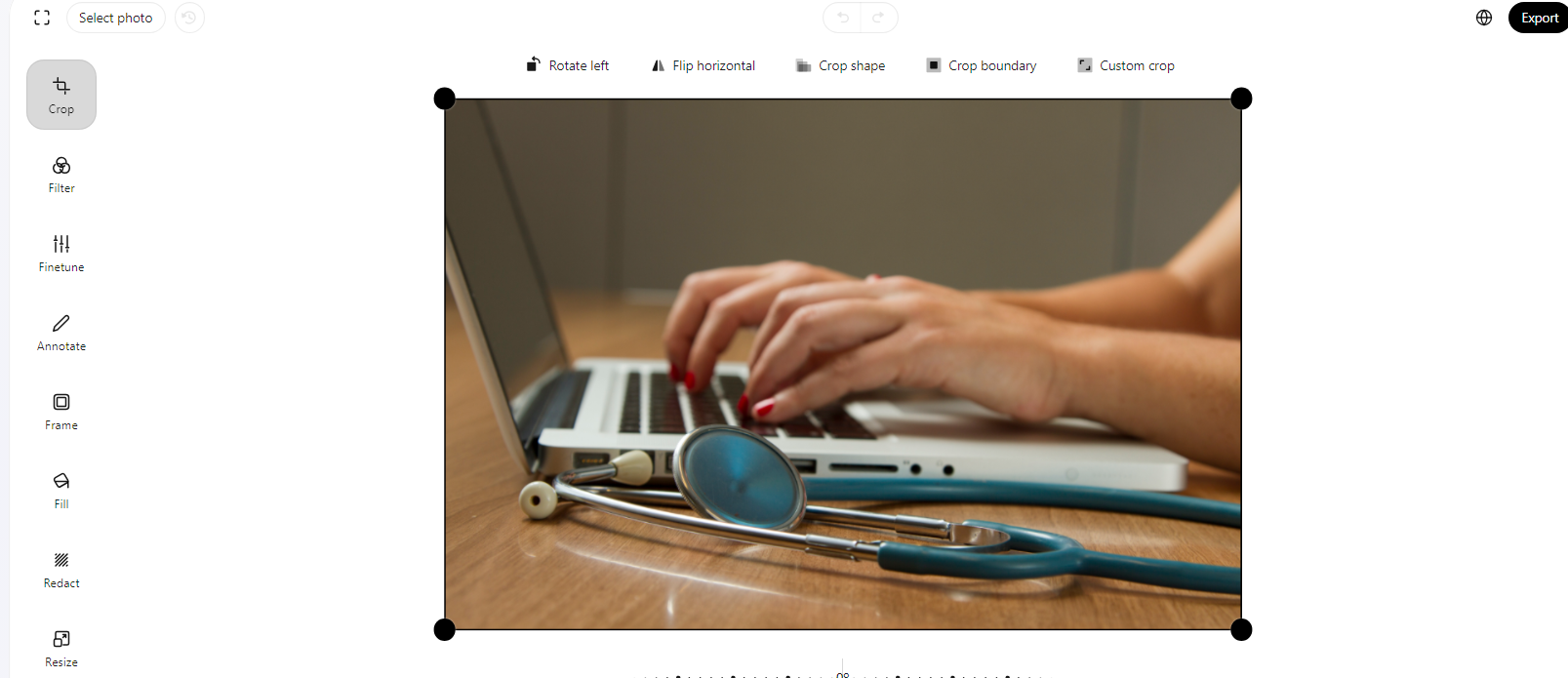
Edit.Photo is designed to be a simple, fast, and easy-to-use solution for all your image editing needs.

Key Features

Crop and Resize
Tailor your images to perfection with the crop and resize features.

Filter and Fine-Tune
Elevate your images with a collection of filters and fine-tuning options. Experiment with different tones, contrasts, and effects to achieve the desired look for your photos.

Redact and Annotate
Use the redact feature to blur or block out sensitive information. Additionally, annotate your images with text or shapes for enhanced communication.

Fill and Frame
Whether you’re highlighting specific elements or creating unique designs, the fill feature is a versatile addition. Frame your photos elegantly with a variety of framing options to give your images that extra touch.

Rotate and Flip
Easily rotate or flip your images to find the perfect orientation for your project.


Edit.Photo’s intuitive features and user-friendly interface make it an excellent tool for various image editing needs. Best of all, it won’t cost you a penny to unlock its full potential!

Posted in Cool Tool

Monday Morning Cool Tool: iPiccy

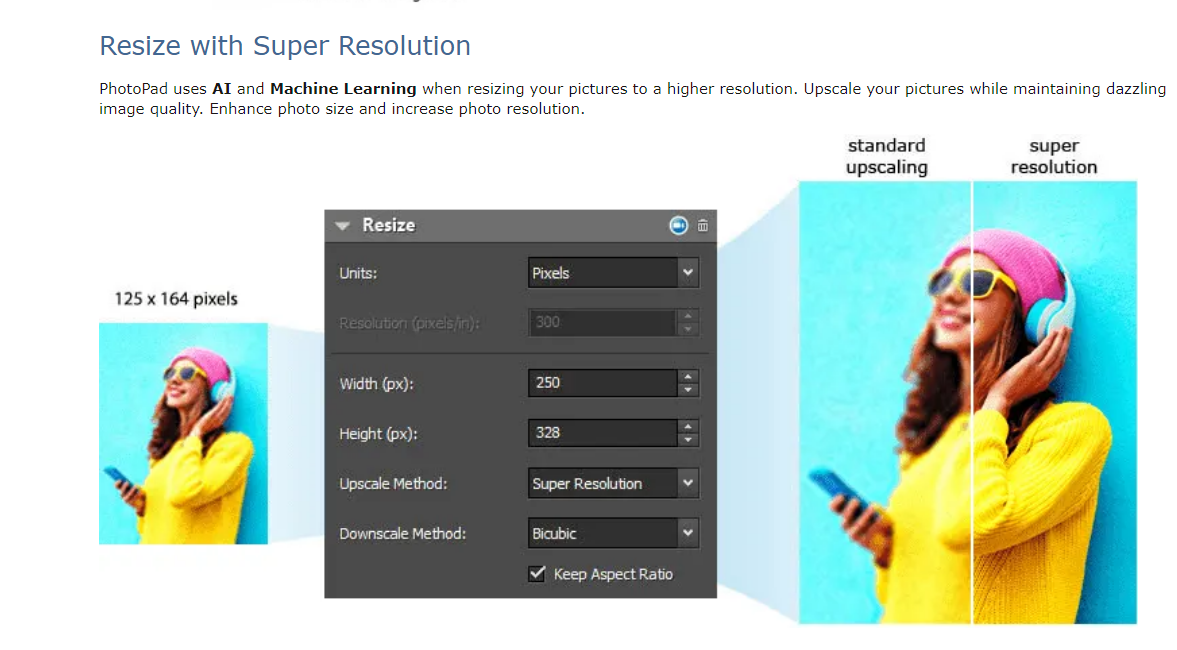
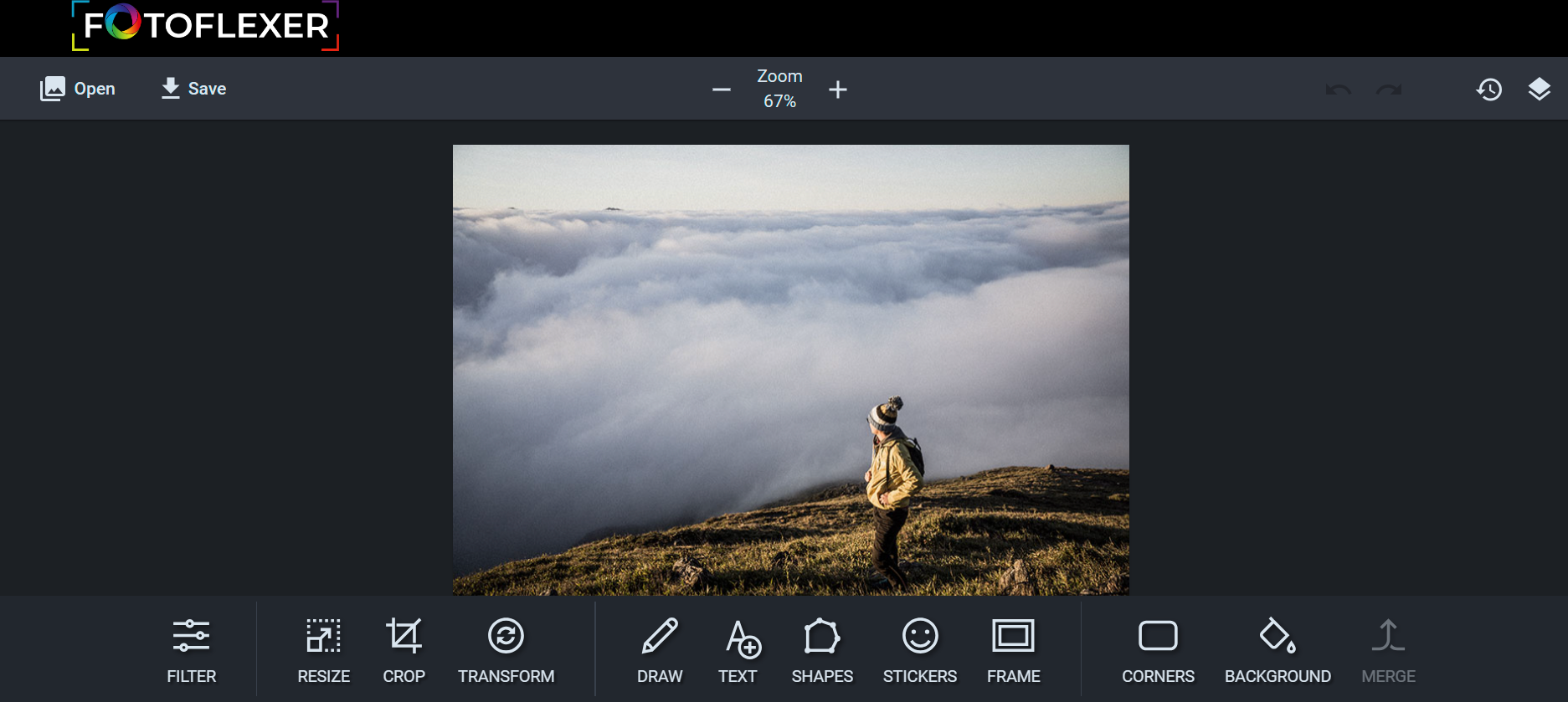
This week’s cool tool recommendation is image editor tool – iPiccy.

iPiccy has many powerful and easy-to-use photo editing tools right in your browser. Auto-adjust photos in one click, crop, rotate, and resize images quickly. Over 100+ photo effects and PRO-level photo enhancements, facial retouching and frames.

Posted in Cool Tool

Monday Morning Cool Tool: Storrito

This week’s cool tool recommendation is Storrito. 

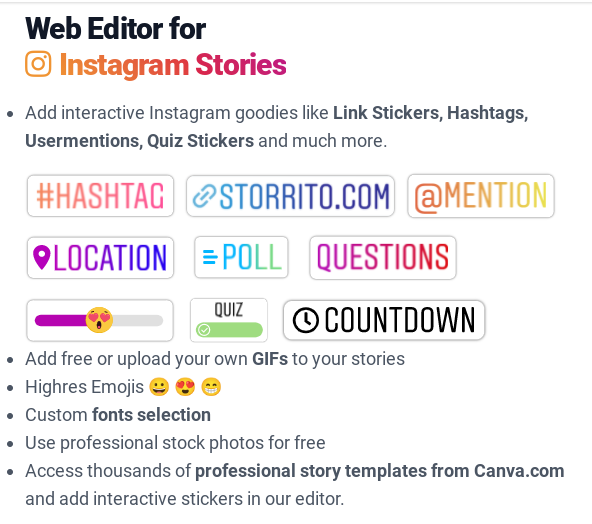
Storrito enables users to create Instagram and Facebook Stories on desktop/laptop computers.

Features include:

  • Add free or upload your own GIFs to your stories
  • Highres Emojis 😀 😍 😁
  • Custom fonts selection
  • Use professional stock photos for free

Pricing

Storrito charges $25 per Instagram account per month. You can try for free for 7 days. 

Posted in Cool Tool

Monday Morning Cool Tool: Title Generator

This week’s cool tool recommendation is headline generator tool – Title Generator

This automated tool can help inspire titles for your content, but it can also throw up a lot of suggestions that are borderline click-bait – so use with a pinch of salt.

How to use it

Simply take your main topic idea, let the tool know whether it’s a noun or a verb and within seconds it will generate a list of headlines/titles you can use for online content, newsletter subject lines, and even book titles.

Related Reading:Write Better Headlines With These 9 Winning Formulas

Posted in Cool Tool

Monday Morning Cool Tool: Savvy Time

This week’s cool tool recommendation is time zone converter tool Savvy Time.

With the clocks changing this past weekend here in Europe, this tool became super useful for me as I tried to calculate timing between three different time zones for a forthcoming webinar. Users can choose to compare between time zones or cities, and will find the current time in both locations.