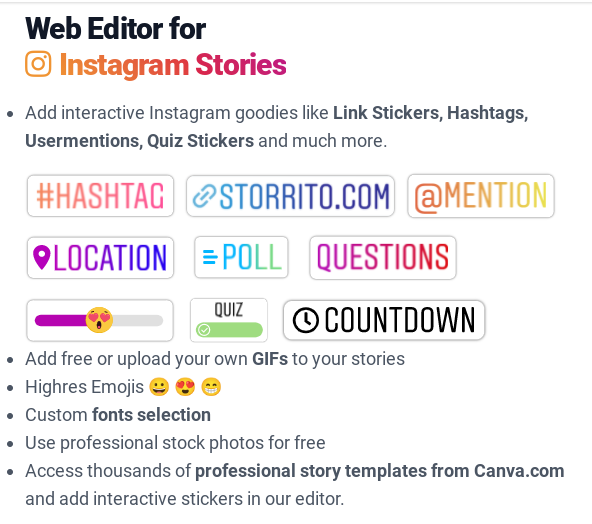
This week I’m recommending StoryArt, a freemium app for more creative Instagram Stories and Reels.
StoryArt is an Instagram story editor app that offers over 3,000 customizable collage and animated story templates for Instagram Stories and Reels. In addition, you can access 500+ post templates for feed posts and 500+ highlight cover templates to beautify your profile.
The app is free but if you want access to extra tools, filters, and layouts, there is a monthly fee of $2.99 or a full-year subscription for $9.99.
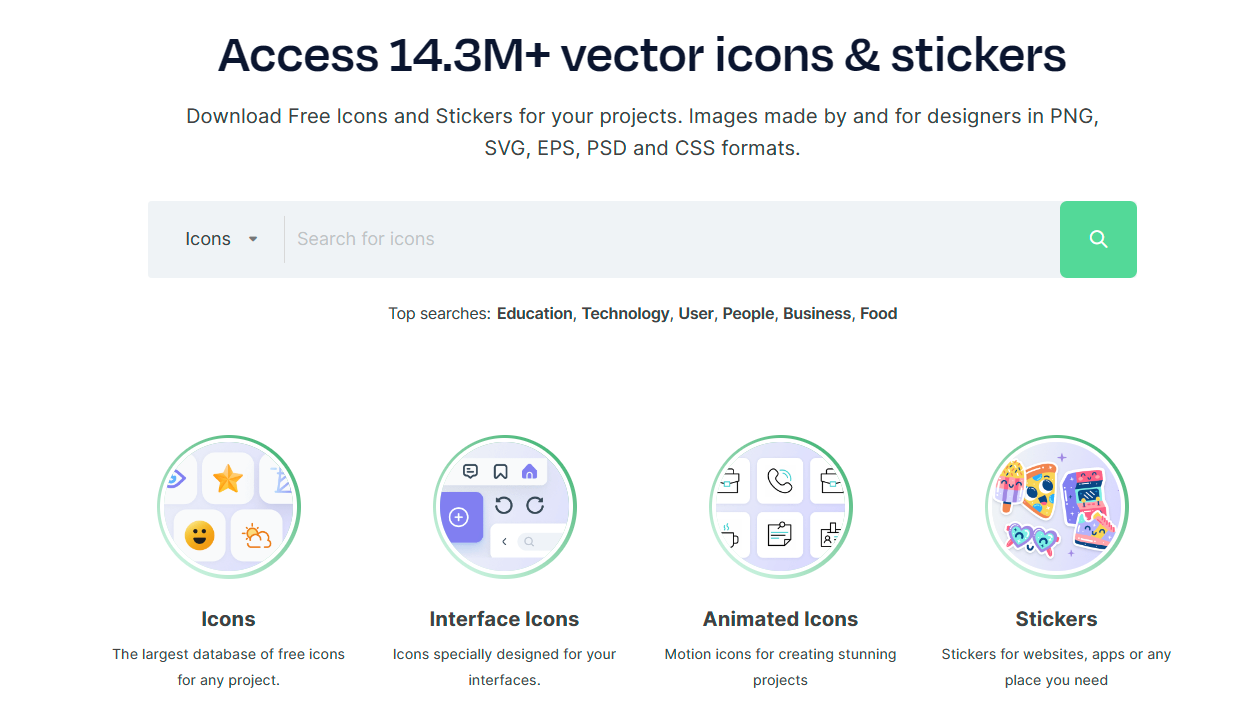
This week’s cool tool recommendation is Flaticon – a website that offers a large collection of free and premium icons.
There are numerous categories of icons available from Flaticon, including business, technology, nature, and many others. The icons are available in a variety of formats, such as PNG, SVG, EPS, and more. With the platform’s powerful search and filter options, users can quickly find specific icons or narrow down their choices based on styles, colors, and categories.
Pricing
Flaticon offers a generous free tier with a vast selection of icons available for use with attribution. For unlimited access and attribution-free downloads, consider upgrading to a premium subscription.
This week’s cool tool recommendation is music video editor tool – Zoomerang.
Zoomerang is a video creator designed for iPhone. No sign up or account required. Share it on TikTok, Instagram, Snapchat or other platforms right from the app, or save your video to your camera roll to share later.
Cool features include lots of step by step tutorials and templates, transtions and effects to enhance your video creation.
The app is free with the option to upgrade to Pro account after a free trial period.
This week’s cool tool recommendation is a free image editor tool – Edit.Photo
Edit.Photo is designed to be a simple, fast, and easy-to-use solution for all your image editing needs.
Key Features
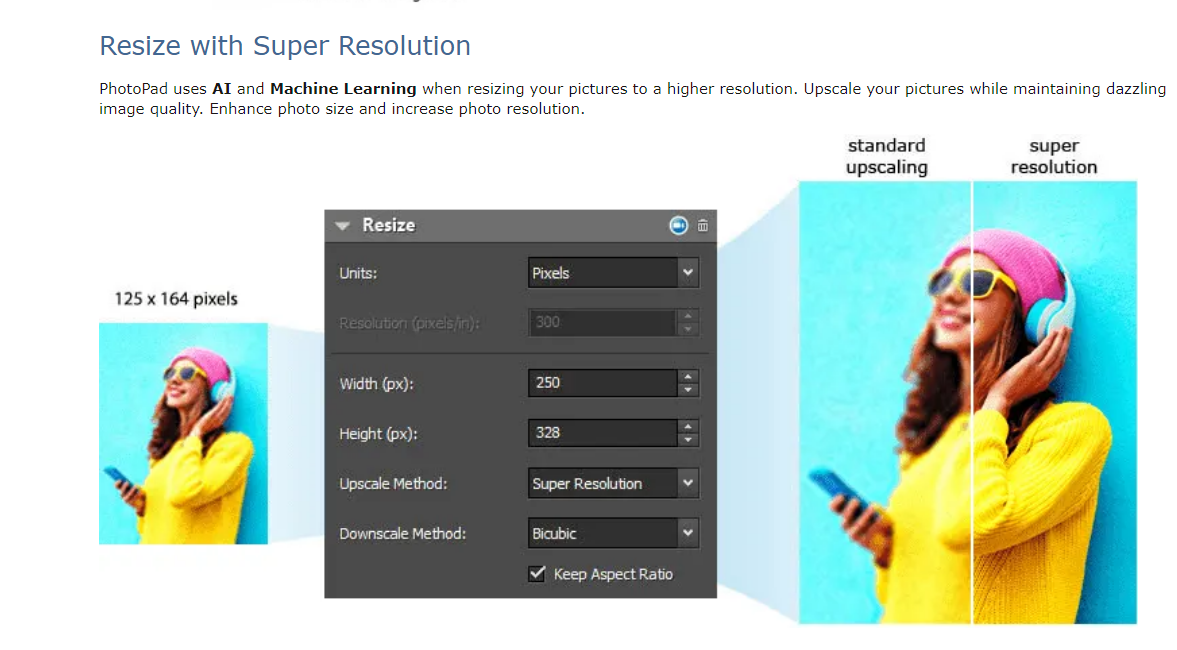
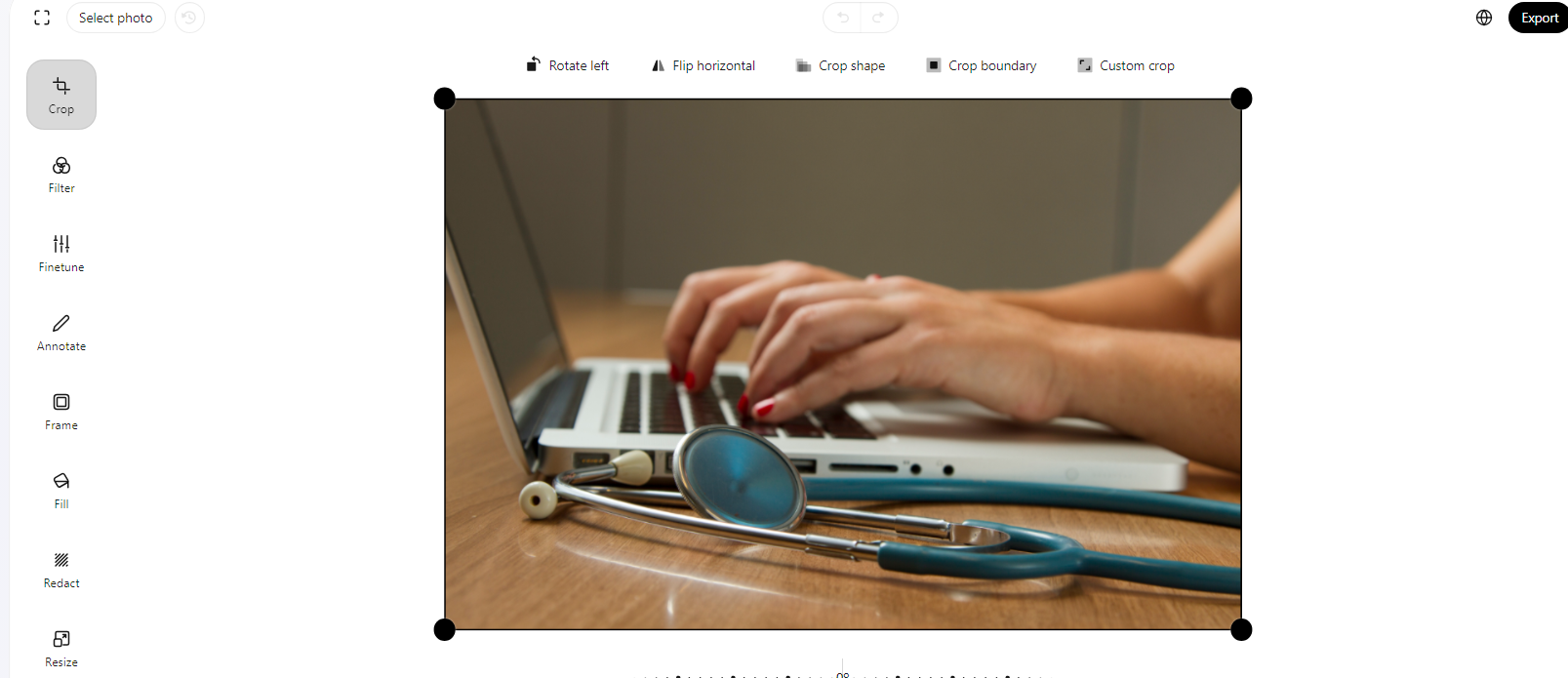
Crop and Resize Tailor your images to perfection with the crop and resize features.
Filter and Fine-Tune Elevate your images with a collection of filters and fine-tuning options. Experiment with different tones, contrasts, and effects to achieve the desired look for your photos.
Redact and Annotate Use the redact feature to blur or block out sensitive information. Additionally, annotate your images with text or shapes for enhanced communication.
Fill and Frame Whether you’re highlighting specific elements or creating unique designs, the fill feature is a versatile addition. Frame your photos elegantly with a variety of framing options to give your images that extra touch.
Rotate and Flip Easily rotate or flip your images to find the perfect orientation for your project.
Edit.Photo’s intuitive features and user-friendly interface make it an excellent tool for various image editing needs. Best of all, it won’t cost you a penny to unlock its full potential!
This week’s cool tool recommendation is image editor tool – FotoFlexer
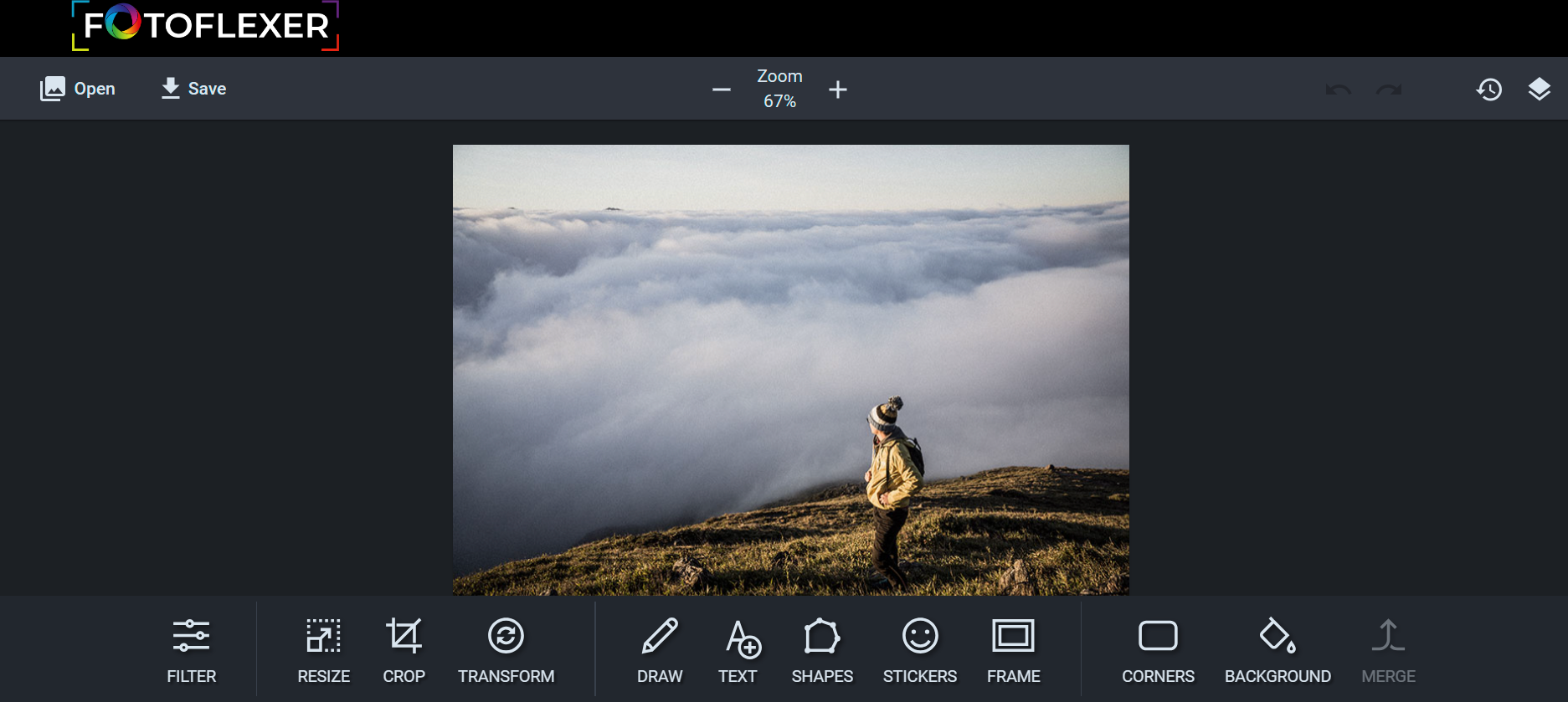
FotoFlexer is a free, easy, and powerful online photo editor. A user-friendly photo editor that offers one-click tweaks, along with some advanced tools on par with desktop-class photo editing software.
This week’s cool tool recommendation is image editor tool – iPiccy.
iPiccy has many powerful and easy-to-use photo editing tools right in your browser. Auto-adjust photos in one click, crop, rotate, and resize images quickly. Over 100+ photo effects and PRO-level photo enhancements, facial retouching and frames.
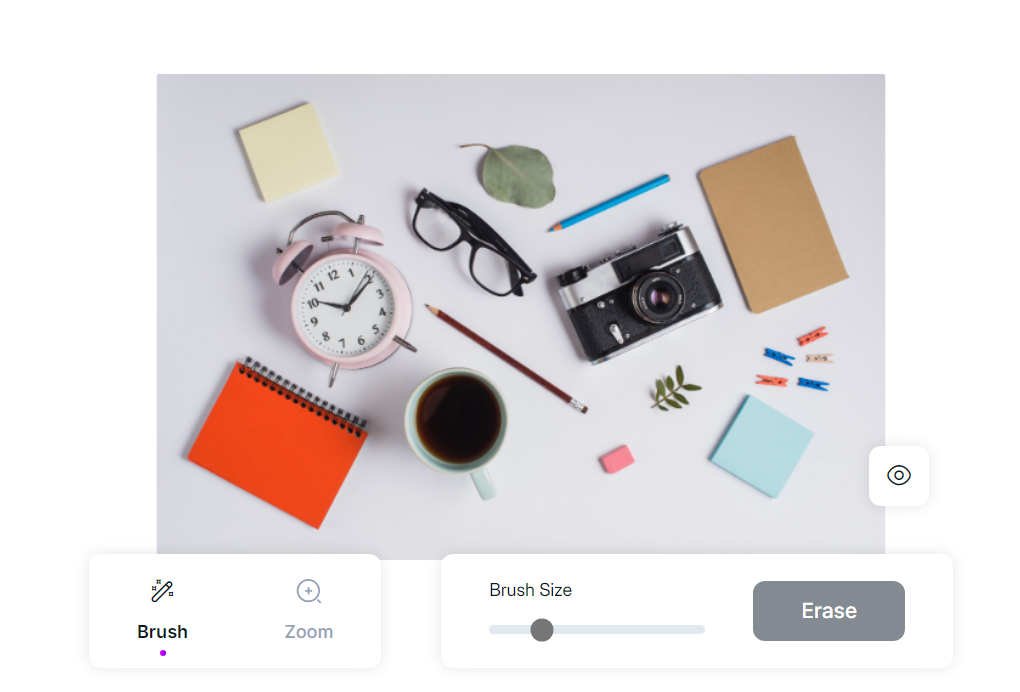
This week’s cool tool recommendation is Magic Eraser – a tool that allows you to remove specific objects or elements from any image.
Whether you want to eliminate an unwanted background, erase an object that distracts from the main subject, or simply enhance the overall composition, the Magic Eraser is your go-to solution.







 Health Care Social Media