Posted in Cool Tool

Monday Morning Cool Tool:  Dr. Link Check

This week I’m recommending  Dr. Link Check– a tool to help you identify broken links on your website and fix them.

Did you know that broken links on your website are sending signals to Google that your website is old and outdated and perhaps even untrustworthy?

Broken links or dead links are hyperlinks on a webpage that are no longer functional. They can negatively impact your SEO by impacting bounce rate (the percentage of visitors that navigate away from a particular site after viewing only one page) and time on site, two factors that directly affect SEO.

Finding broken links is the first step to fixing them. This can be done in a number of ways. One is to use a tool like Dr. Link Checker.

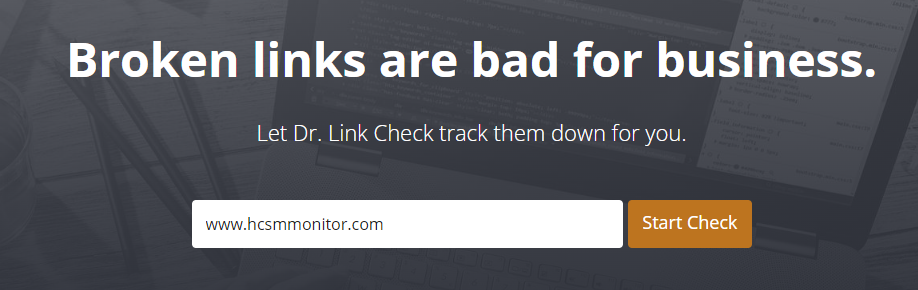
It’s very simple to use. Simply type in the url of your site and let the link checker go to work.
This shows me a list of the broken links on my own website that I need to fix. A majority of these link to dead external sites. This makes sense since I originally linked out to speaking engagements and the conference and meeting sites have been taken down.  In this case, I have no choice but to delete the hyperlink since I have no control over external links.  
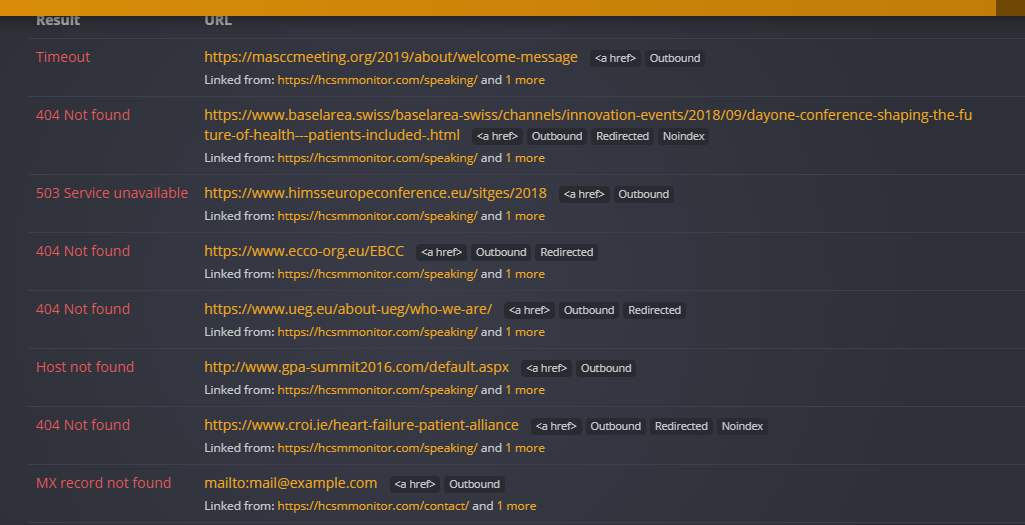
When it comes to internal links, I have control over them, and it’s good SEO practice to review content and correct broken links immediately.   

T

Content Ideas

Posted in Cool Tool

Monday Morning Cool Tool: Refind

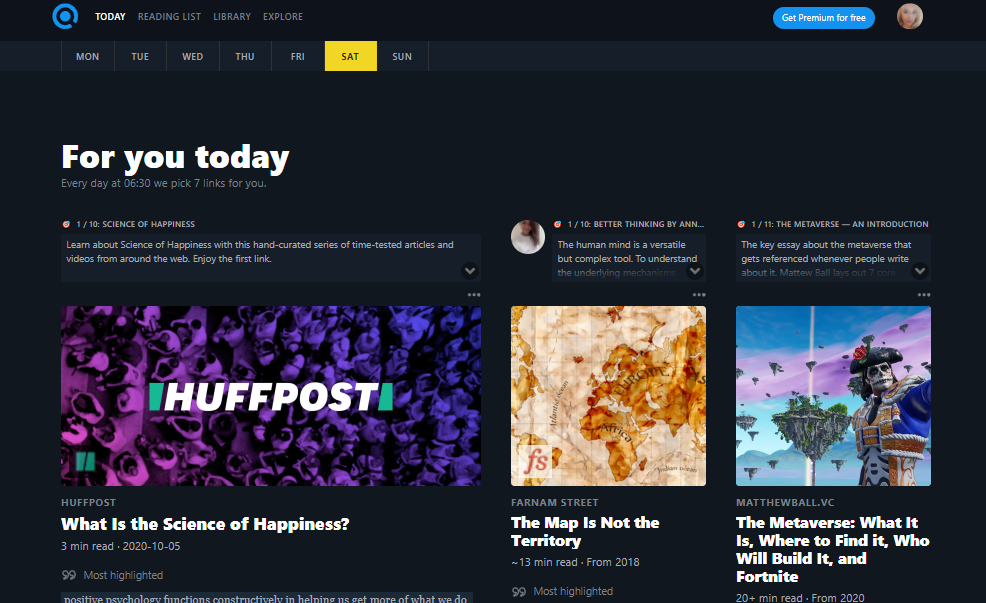
Find quality articles from around the net that will spark your interest and make you smarter every day with this week’s cool tool recommendation.

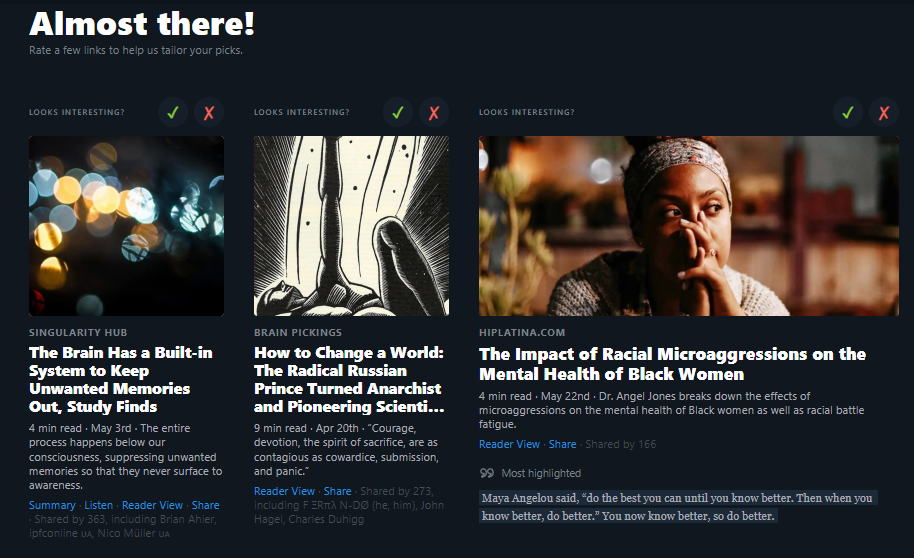
Refind – a daily curated list of quality reading from around the web designed to spark your interest and make you smarter.

Sign up to get 7 (or more) new links every day tailored to your interests, curated from 10k+ sources.

Here’s how to get started

1. Create an account at Refind.com

2. Choose 3 topics of interest

3. Rate links to tailor your experience to your interests

4. Choose a Deep Dive or Thought Leader to subscribe to.

5. Choose how many links you wish to receive each day, the time of it day you wish to receive them, and the email address to deliver them to.

6. And now you’re all set to dive into your curated reading list.

Refind is also available for download on the App Store and Google Play.

Posted in Cool Tool

Monday Morning Cool Tool: Bensound

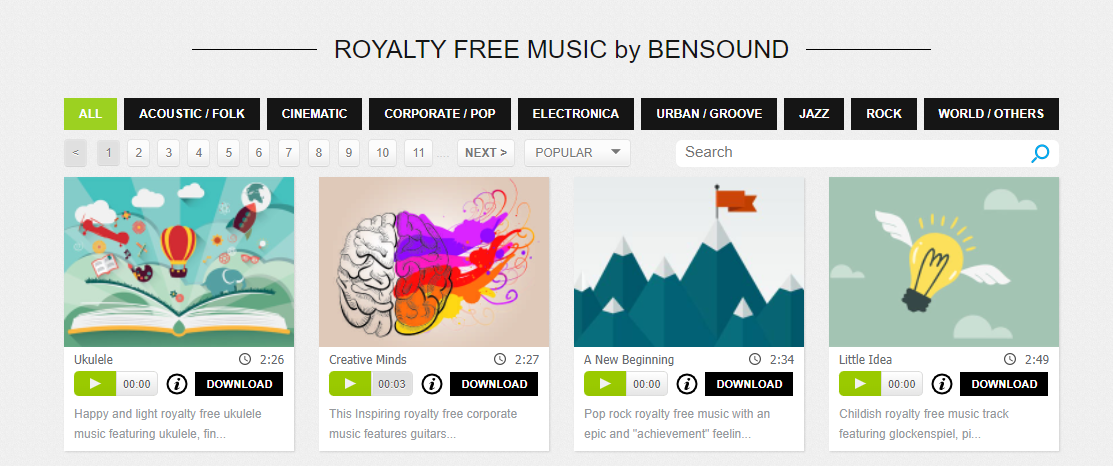
This week I’m recommending Bensound – a useful source of royalty-free music.

You can use Bensound’s music available under Free License in your multimedia project (online videos, websites, animations, etc.) for free as long as you credit Bensound.

If you need high-quality files (mp3 and wav) choose “Premium” tracks or you can buy a Bensound Pro License.

Visit https://www.bensound.com/licensing to learn more.

Posted in Cool Tool

Monday Morning Cool Tool: Title Generator

This week’s cool tool recommendation is headline generator tool – Title Generator

This automated tool can help inspire titles for your content, but it can also throw up a lot of suggestions that are borderline click-bait – so use with a pinch of salt.

How to use it

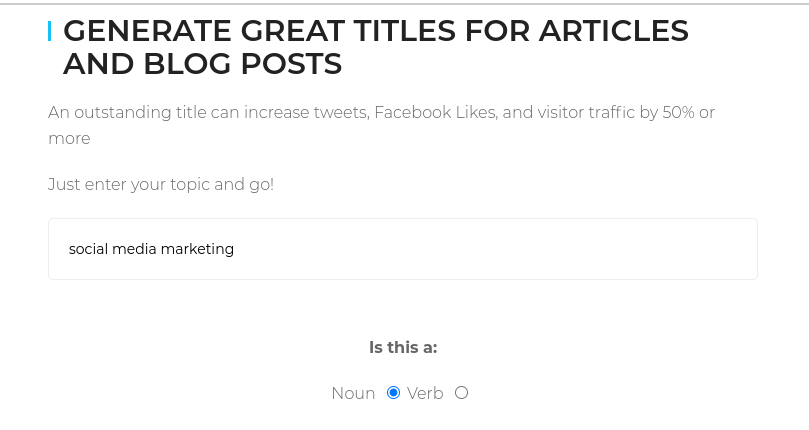
Simply take your main topic idea, let the tool know whether it’s a noun or a verb and within seconds it will generate a list of headlines/titles you can use for online content, newsletter subject lines, and even book titles.

Related Reading:Write Better Headlines With These 9 Winning Formulas

Posted in Cool Tool

Monday Morning Cool Tool: TinyPNG


This week’s cool tool recommendation is TinyPNG – a handy compression tool for JPEG and PNG images.

TinyPNG uses smart lossy compression techniques to reduce the file size of your image files. By selectively decreasing the number of colors in the image, fewer bytes are required to store the data. The effect is nearly invisible but it makes a very large difference in file size.


Posted in Cool Tool

Monday Morning Cool Tool: RhymeZone


This week’s cool tool recommendation is RhymeZone a fast rhyming dictionary and thesaurus.

Quickly find rhymes, near rhymes, synonyms, antonyms, homophones, similar sounding words, words with the same consonant pattern, and other related words from its database of over 100,000 words and phrases.

RhymeZone also has an app for Amazon Alexa and an add-on for Google Docs.


Posted in Cool Tool

Monday Morning Cool Tool: Preview

instagram-feed-planner-app-preview-8.jpg

I love learning about new tools to make social media marketing more creative and effective, so I’ve decided to share some of my favourite tools with you at the start of each week.

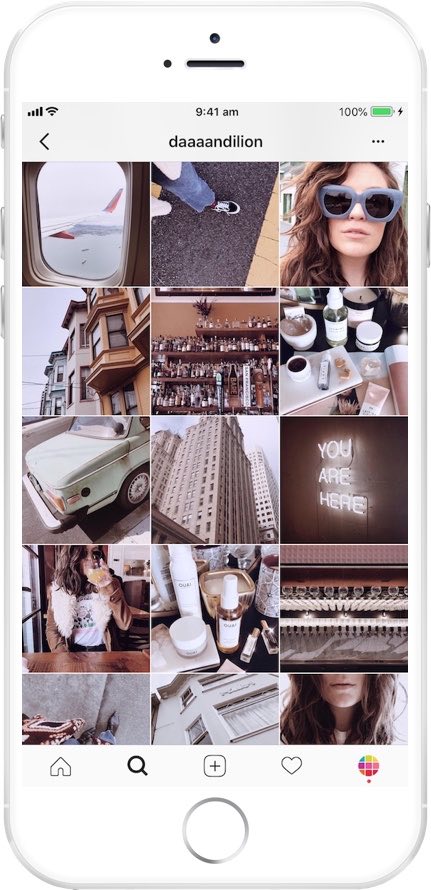
This week’s cool tool recommendation is Preview, a super useful Instagram app.

Preview is your visual planner for Instagram. Use it to predict what your feed will look like before you post anything on Instagram.

Features at a glance

DRAG & DROP

Use the drag & drop to arrange your Instagram photos & videos. Design your own unique theme. Color coordinate. Predict how your feed will look like. Or simply plan your content in advance.

ANALYTICS & INSIGHTS

Track your performance, see best times to post & best hashtags. Optimize your account to get the most out of it.

AMAZING FILTERS

Design your own unique and amazing feed that reflects your personality or brand. Preview comes with 12 beautiful filter packs and 73 unique filters.

REPOST

Share other Instagrammers’ photos and videos. Save them in Preview for later. Curate your feed.

PERFECT YOUR CAPTIONS

Write your captions in advance and perfect them. Use the hashtag suggestion tool. Save your hashtag groups within the app and add them to new posts at a press of a button.

HASHTAG FINDER

Search for the best Instagram hashtags to grow your account. Search by category, country, city & Instagram community.

SCHEDULE

Set a day and time for your post. See what you have scheduled for the day, week and month. When it’s time to post, Preview will send you a notification. All you have to do is send your post to Instagram and paste your caption.

Pricing

All plans come with: Drag and Drop, Unlimited Posts, Photo Editor, Hashtag Finder, Hashtag Groups Manager, Beautiful Stock Photos, and Photo, Video and Carousel posts.

Paid plans start at $7.99 per month.

Posted in Cool Tool

Monday Morning Cool Tool: Videoshop

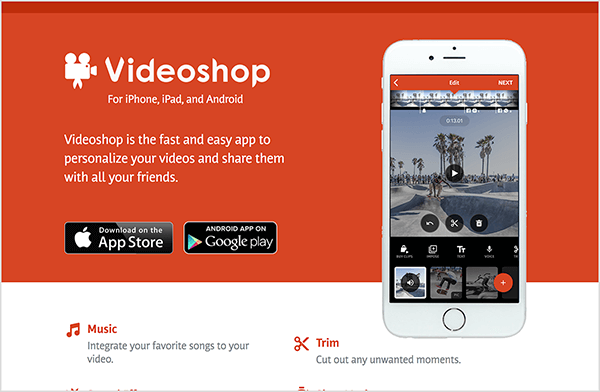
This week I’m recommending Videoshop a free stand-alone video recorder and editing app.

videoshop-edits-video-on-mobile-devices-600

Because the app enables you to record and edit video in one place, you don’t have to use several different apps to create your video. Features include the ability to integrate your favorite songs to your video, add subtitles and noises like applause sounds. You can also adjust video speed to slow or fast, merge multiple clips into one and choose transitions to animate between video clips.

Videoshop is available on iOS or Android.

Posted in Cool Tool

Monday Morning Cool Tool: Repost

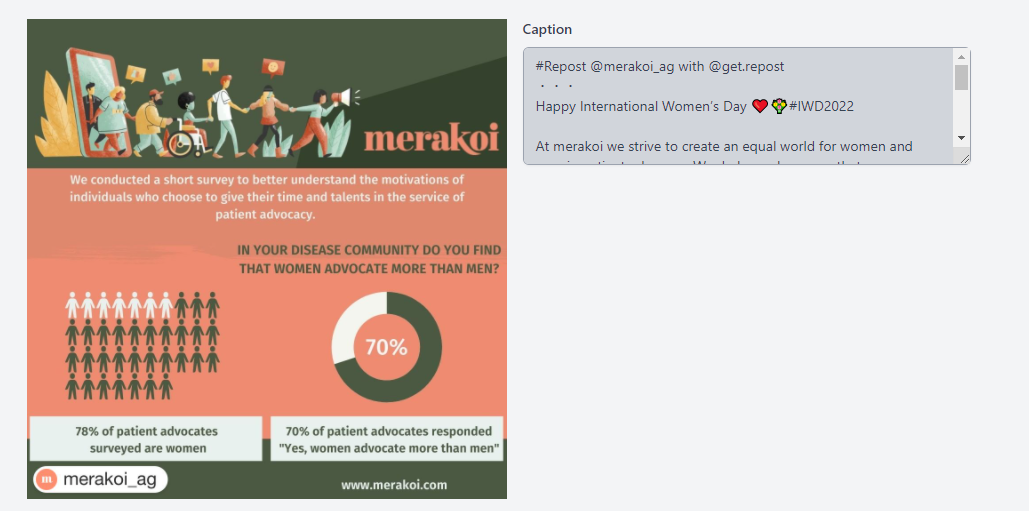
This week I’m recommending Repost – a simple tool that makes it easy to repost your photos and videos on Instagram while giving credit to the original Instagramer.

When you find something you want to repost in Instagram, simply copy the share URL and open Repost. Then in Repost, you can position the attribution mark and send the reposted media back to Instagram.

Click here for step-by-step guide. 

Posted in Cool Tool

Monday Morning Cool Tool: Responsinator  

I love learning about new tools to make social media marketing more creative and effective, so I’ve decided to share some recommended tools with you at the start of each week. This week’s cool tool recommendation is Responsinator.

Responsinator lets you see how your website looks on the most popular devices.

download - 2019-05-19T113925.272

Why Mobile Responsive Websites Are A Must

Mobile first-indexing is now fully underway and there’s no excuse for having a website that is not optimized for use across all platforms in 2022.  Most people aren’t looking at your website on a desktop or laptop anymore. They are looking at it on a phone or tablet.

Recent studies show 52% of smartphone users gather health-related information on their phones, ranging from information around a specific medical procedure to diet and nutrition best practices. 

Having a mobile-responsive site (ie one that automatically changes its layout and placements of certain menus and buttons automatically) is important because firstly, over half of patients search online for health information on their smartphone, and secondly, Google now gives ranking priority to those sites that are mobile friendly.  In fact, Google has stated that it will penalize websites that aren’t mobile-responsive, so if your site isn’t optimized for mobile devices, you’ll likely lose out significantly in the organic search rankings.