Posted in Cool Tool

Monday Morning Cool Tool: StoryArt

I love learning about new tools to make social media marketing more creative and effective, so I’ve decided to share some of my favourite tools with you at the start of each week. This week I’m recommending StoryArt, a freemium app for more creative Instagram Stories and Reels.

StoryArt is an Instagram story editor app that offers 2000+ customizable story templates to help you create beautiful collage layouts for Instagram Stories and Reels.  You can add in your own photos and videos, change fonts and colors, add captions, or even edit video speeds. When you’re done, you can share it to your Instagram story with a single click.

The app is free but if you want access to extra tools, filters, and layouts, there is a monthly fee of  $2.99 or a full-year subscription for $9.99. 
StoryArt is available for both iOS and Android.

Posted in Cool Tool

Monday Morning Cool Tool: MockoFUN

I love learning about new tools to make social media marketing more creative and effective, so I’ve decided to share some of my favourite tools with you at the start of each week. This week I’m recommending browser-based graphic designer tool MockoFUN.

The_Best_Online_Graphic_Design_Tool_MockoFUN

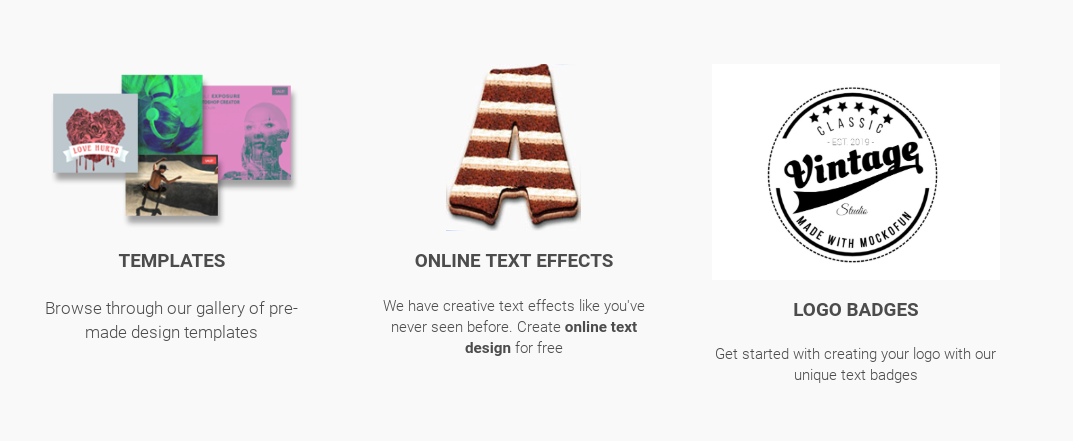
An intuitive drag and drop online graphic design tool, you can easily use and customize hundreds of pre-made mockups and templates to edit text and photo and create logos.

You can use MockoFUN for free or you can also upgrade to premium or access to extra resources and unlimited access to all templates and mockups.

Posted in Cool Tool

Monday Morning Cool Tool: PicPlayPost

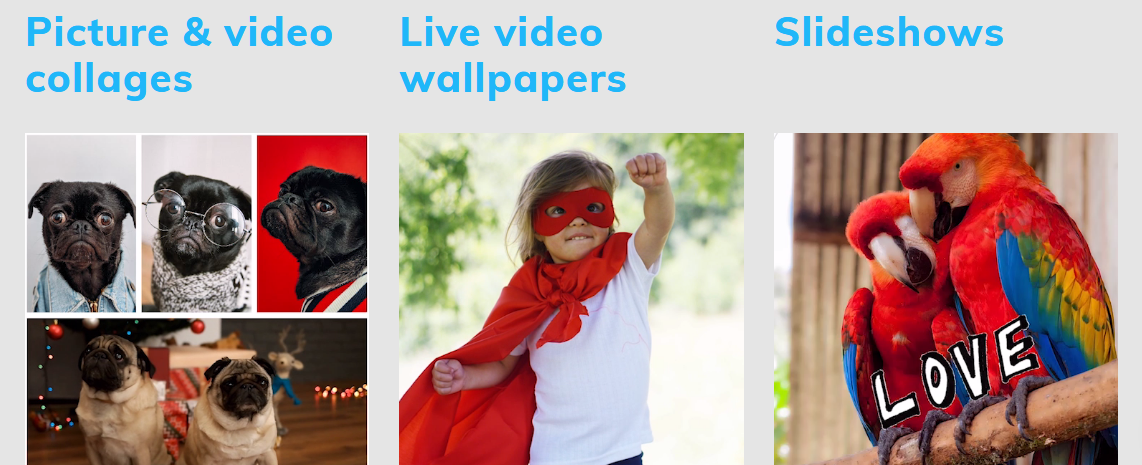
This week I’m recommending PicPlayPost – a free app for combining multiple videos and photos into a collage.

index

Features

  • Full editing capabilities
  • Create up to 30 minute videos
  • Trim, speed up, slow down videos
  • Add multiple songs
  • Supports all formats (photos, videos, Gifs, live photos) and ratios (9:16 for IG stories, TikTok and Snap, 16:9 for YouTube)

It’s available for both iOS and Android.

Posted in Cool Tool

Monday Morning Cool Tool: Otter Voice Notes

otter-hero-screens-2

I love learning about new tools to make social media marketing more creative and effective, so I’ve decided to share some of my favourite tools with you at the start of each week. This week I’m recommending Otter Voice Notes – a super useful tool that helps you take voice notes and generate transcripts simultaneously, or transcribe pre-recorded audio and video files.

Here’s how it works

  • Record conversations using Otter on your phone or web browser. Import or sync recordings from other services.  You can integrate the tool with Zoom.
  • Get real-time streaming transcripts and, within minutes, rich, searchable notes with text, audio, images, speaker ID, and key phrases.
  • Share or export voice notes to inform others and get on the same page. Create groups to invite collaborators and keep organized.

Pricing Otter Voice Notes lets you transcribe up to 600 minutes per month for free with a pricing structure based on Basic, Premium, and Teams subscriptions.

Posted in Cool Tool

Monday Morning Cool Tool: Piktochart

unnamed (8).jpg

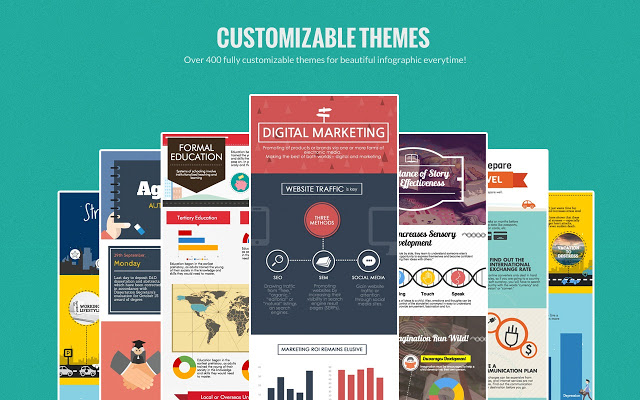
I love learning about new tools to make social media marketing more creative and effective, so I’ve decided to share some of my favourite tools with you at the start of each week. This week’s cool tool recommendation is infographic maker Piktochart . 

Infographics are great for getting your content shared but many people are put off by the thought that you have to hire a graphic designer to create them. The good news is you don’t have to be a designer nor spend a lot of money to create them. Use a tool such as Piktochart to create engaging infographics. Choose a template and then customize it with text, fonts, and colors.

Try it for yourself at https://piktochart.com

You might also like to read: How To Create A Healthcare Infographic


Posted in Cool Tool

Monday Morning Cool Tool: Emojim

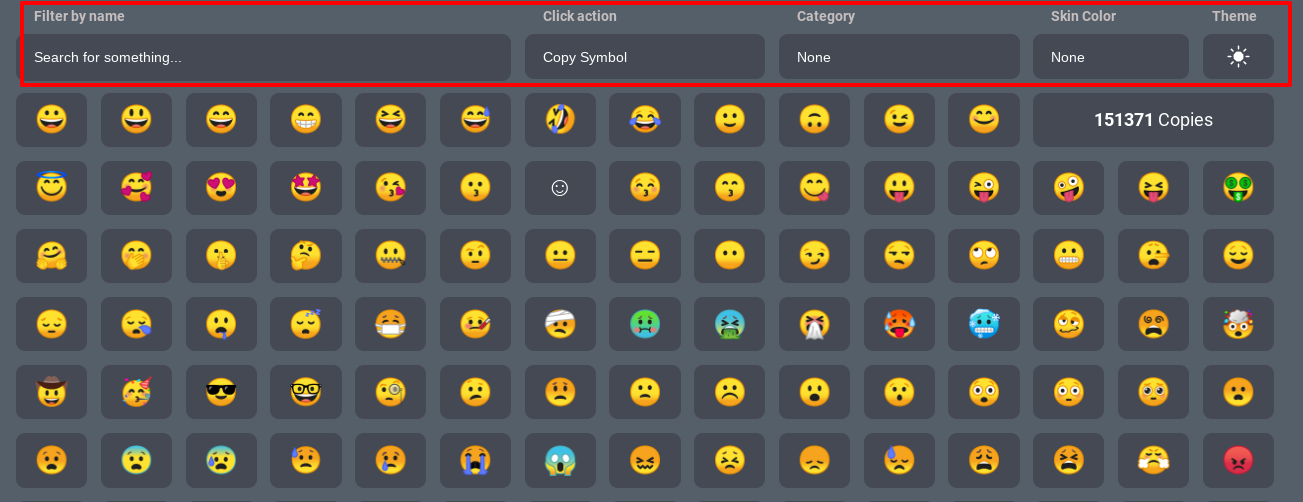
I love learning about new tools to make social media marketing more creative and effective, so I’ve decided to share some of my favourite tools with you at the start of each week. This week I’m recommending Emojim – a browser-based app that helps you search for the right emoji for your social media updates.

Emojim

How to use this tool

You can either scroll through the site until you find the right emoji or use the search feature to type a description of the emoji or feelings you’re looking to convey. You can also search by category, skin color, or theme.

Enjoy 😁

Posted in Cool Tool

Monday Morning Cool Tool: Unfold

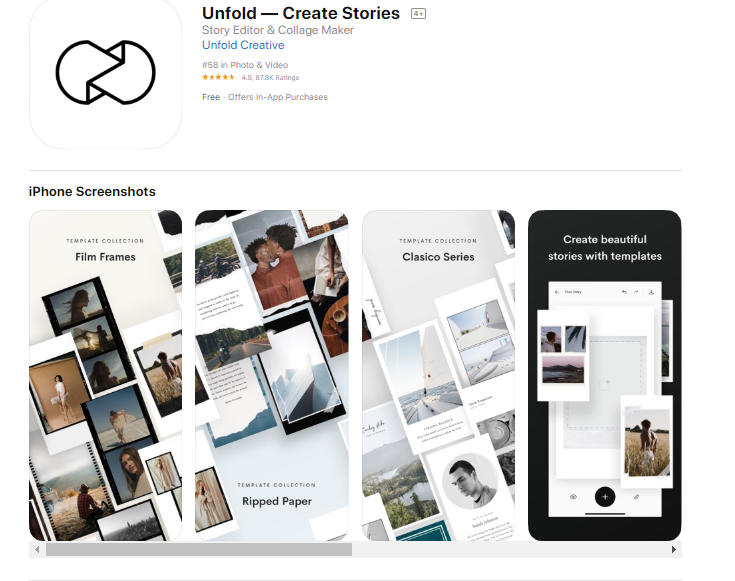
I love learning about new tools to make social media marketing more creative and effective, so I’ve decided to share some of my favourite tools with you at the start of each week. This week I’m recommending photo editor  Unfold – an app to help you easily create and edit Instagram Stories templates.

download - 2019-11-29T134700.069

Once downloaded you can choose from a wide range of 150+ templates to add pages to an Unfold story,  use advanced text tools with curated fonts and add unique stickers and export your stories in high resolution for seamless sharing to Instagram.

·The app is free- however, some of its templates do require in-app purchases to unlock.

Posted in Cool Tool

Monday Morning Cool Tool: Over

I love learning about new tools to make social media marketing more creative and effective, so I’ve decided to share some of my favourite tools with you at the start of each week. This week I’m recommending free photo editing app Over

5c9b768ffeba5a2c10897461_premium-content@2x-min

This tool allows you to add text and captions to your photos, but equally, you get full access to stock photography on Unsplash, Pixabay and Google Images. Use it to create eye-catching designs and make them your own with our blending and masking tools, and use layers to edit elements in isolation.


Posted in Cool Tool

Monday Morning Cool Tool: Charcounter

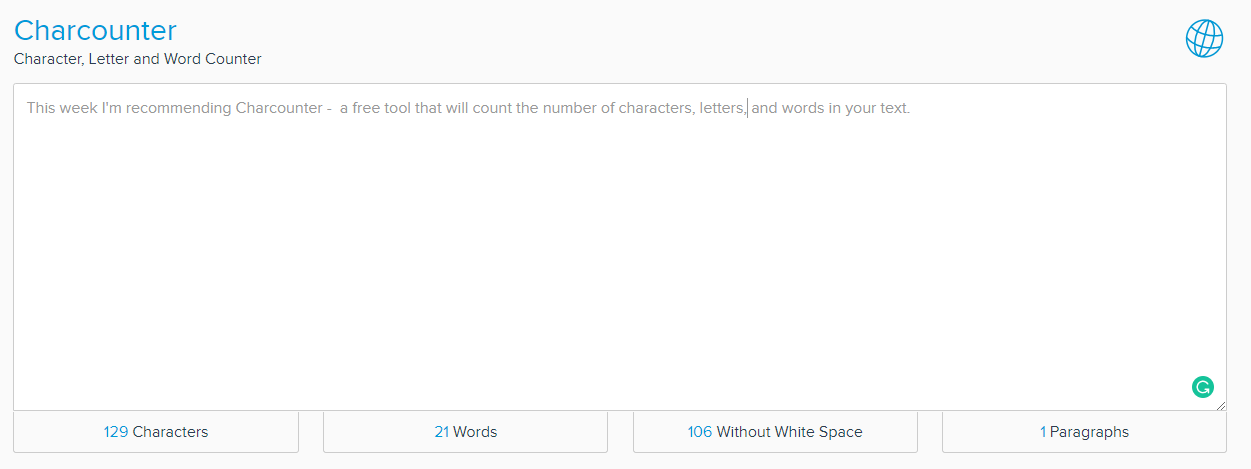
I love learning about new tools to make social media marketing more creative and effective, so I’ve decided to share some of my favourite tools with you at the start of each week. This week I’m recommending Charcounter –  a free tool that will count the number of characters, letters and words in your text.

download - 2020-02-23T211549.779

It’s a simple tool but certainly useful.

Posted in Cool Tool

Monday Morning Cool Tool: Hype Type

8cd84772-826d-4571-85a2-925cb7cf67e8

I love learning about new tools to make social media marketing more creative and effective, so I’ve decided to share some of my favourite tools with you at the start of each week. This week I’m recommending video text animator Hype Type.

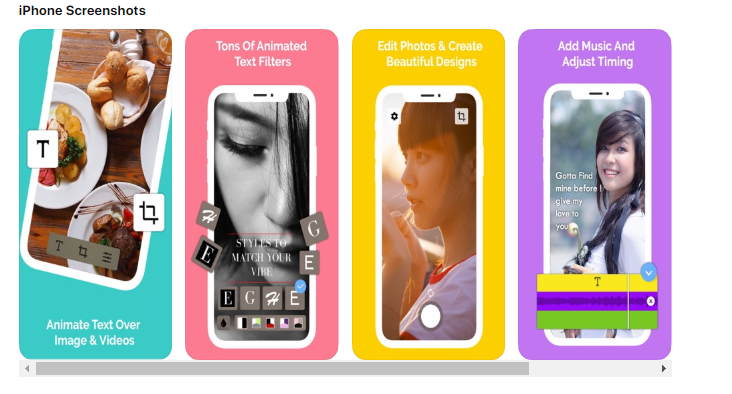
Hype Type is an iOS app that lets you add moving text and typography over images. It’s a super useful tool for Instagram Stories.

Hype Type also provides easy-to-use editing tools for speeding up, slowing down, flipping, or reversing your videos.

Once you’re happy with how your image looks, export it for sharing on Instagram, Facebook, Twitter, or wherever else you want to showcase your motion typography-enhanced photo or video.