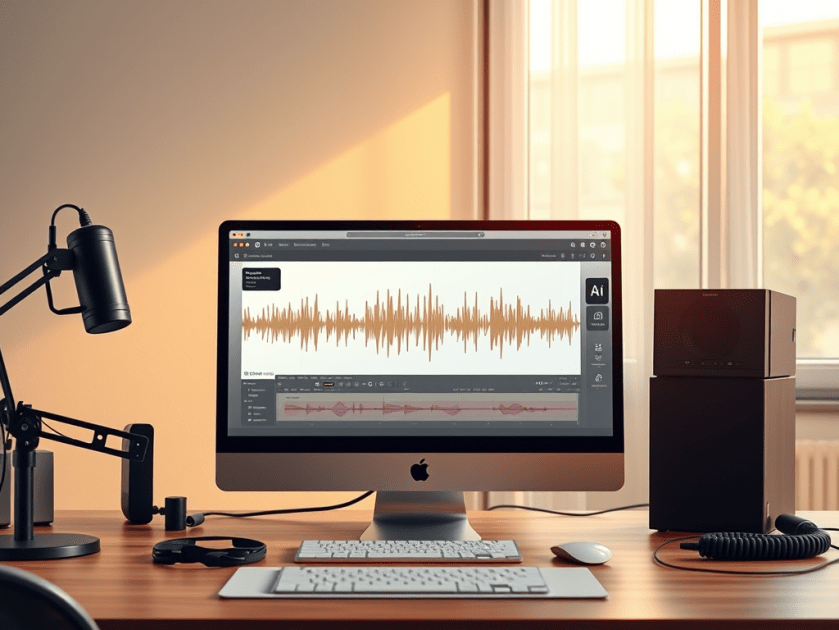
This week’s cool tool recommendation is Adobe Podcast — a browser-based audio recording, editing, and enhancement tool.
What It Does
Adobe Podcast packs in several features designed to simplify audio workflows:
- Record & Edit in Browser – No need for complex local DAWs. You can record directly in the browser, edit your audio, manage speaker tracks, and even convert to video if needed.
- Enhance Speech & Clean-up – Tools for removing background noise, reducing echo, improving clarity. If you don’t have a perfect setup (mic, acoustics, etc.), this helps a lot.
- Mic Check – A diagnostic tool to test your mic and environment, giving feedback so you can optimise your setup before recording.
- Transcription & Captions – Automatically generate transcripts or captions from your audio/video. Great for accessibility or social media snippets.
- Royalty-Free Music & Sound Effects – Built-in library so you can add intros, backgrounds, and effects without hunting down licensing issues.
Best Use Cases
- Recording remote interviews, podcasts, or voiceovers without a full studio setup.
- Repurposing audio into social media content (videos, captions, audiograms) quickly.
- Educators or health professionals who want to share audio content but need accessible tools.
- Anyone looking for high-quality voice recordings without incurring significant expenses on hardware or software.
Pricing
The free plan includes:
- Enhance Speech (audio only) — remove background noise & echo
- Mic Check — evaluate your mic & setup using AI to detect issues.
- Studio (browser-record/edit/enhance) with some limits: you can download projects up to 30 minutes, but with limits on how many per day. Files over a certain size/duration / original recordings may not be downloadable.
The free plan is sufficient for small projects, short podcast episodes, or testing out new ideas. Upgrading to the paid plan unlocks additional features.
Note: If you’re interested in exploring similar tools, consider comparing Descript, Audacity (a free, desktop-based option), or Riverside.fm (for remote interviews/video and audio).
Discover more from Health Care Social Media
Subscribe to get the latest posts sent to your email.

 Health Care Social Media