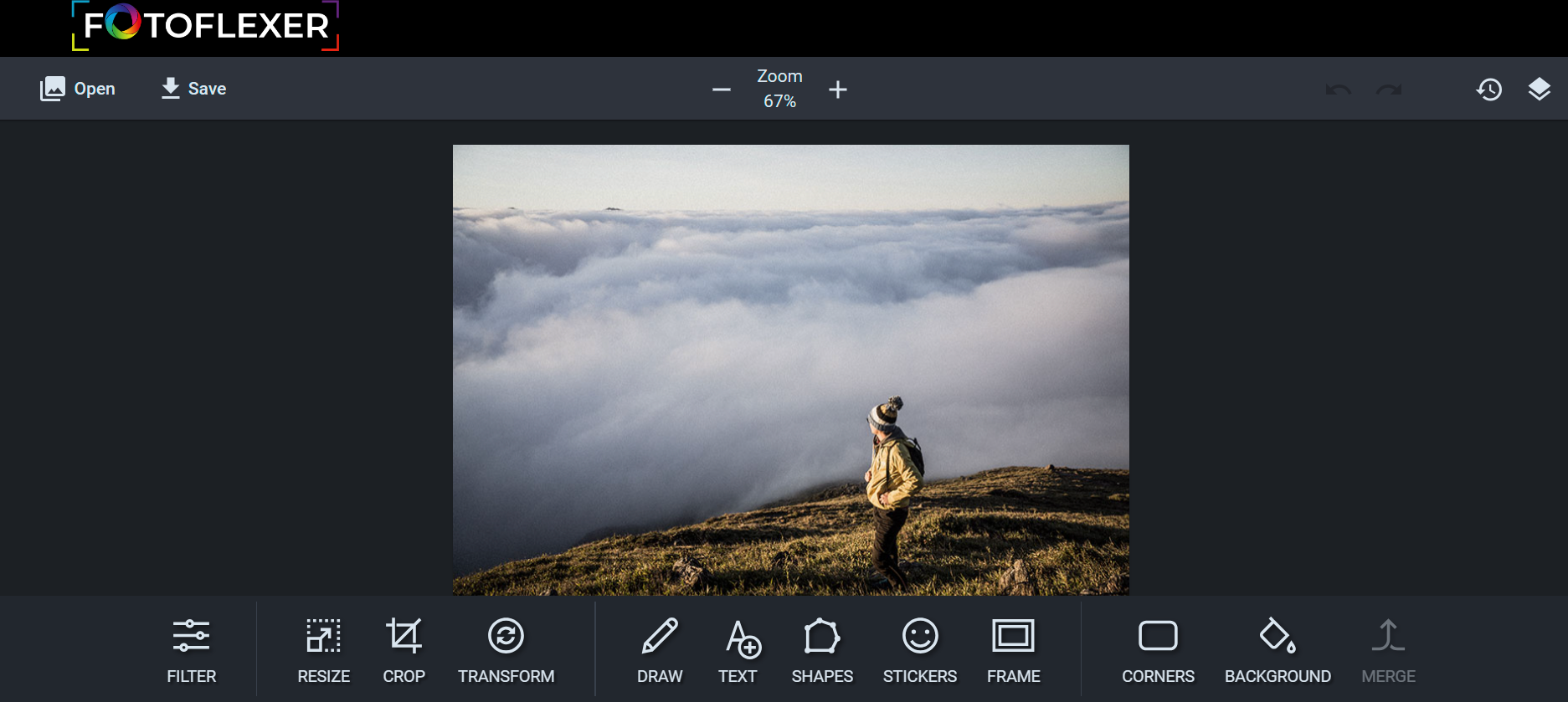
This week’s cool tool recommendation is image editor tool – FotoFlexer
FotoFlexer is a free, easy, and powerful online photo editor. A user-friendly photo editor that offers one-click tweaks, along with some advanced tools on par with desktop-class photo editing software.
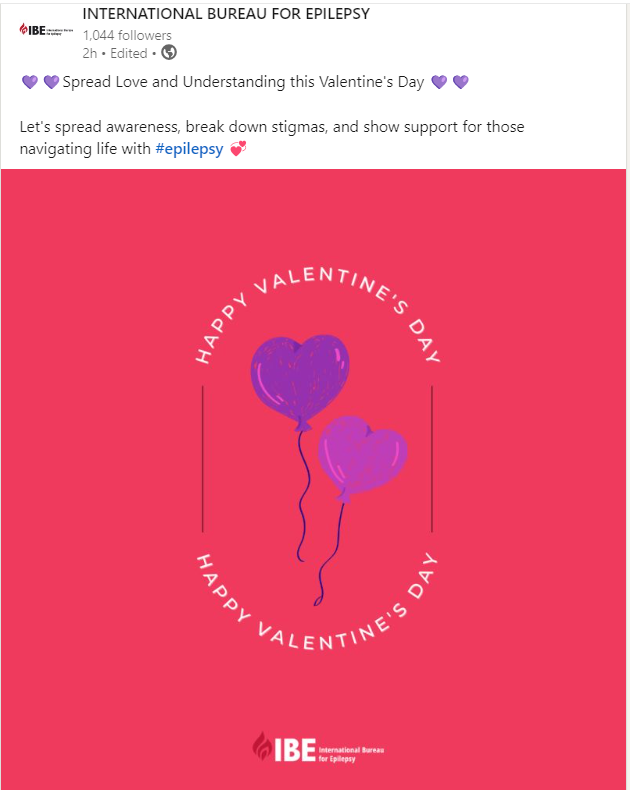
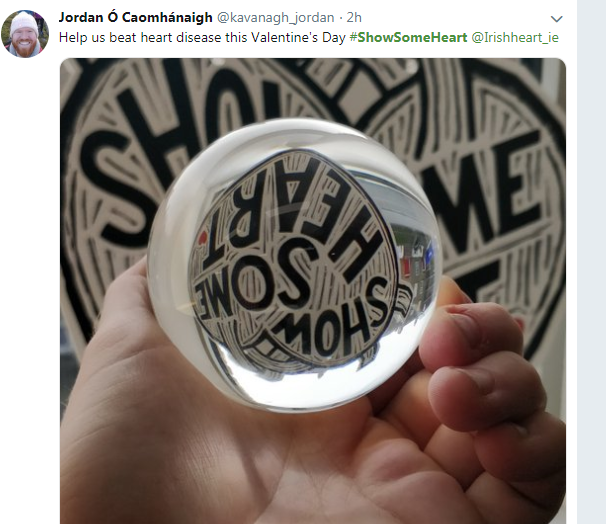
Looking for some inspiration for Valentine-themed content?
A compassionate approach is at the heart of healthcare, and it should also be reflected in your marketing efforts. Show empathy towards your audience by addressing their concerns and providing valuable, informative content.
Check out these examples from previous campaigns. I really like the way they’ve incorporated the theme but stayed nicely on brand.
This week’s cool tool recommendation is image editor tool – iPiccy.
iPiccy has many powerful and easy-to-use photo editing tools right in your browser. Auto-adjust photos in one click, crop, rotate, and resize images quickly. Over 100+ photo effects and PRO-level photo enhancements, facial retouching and frames.
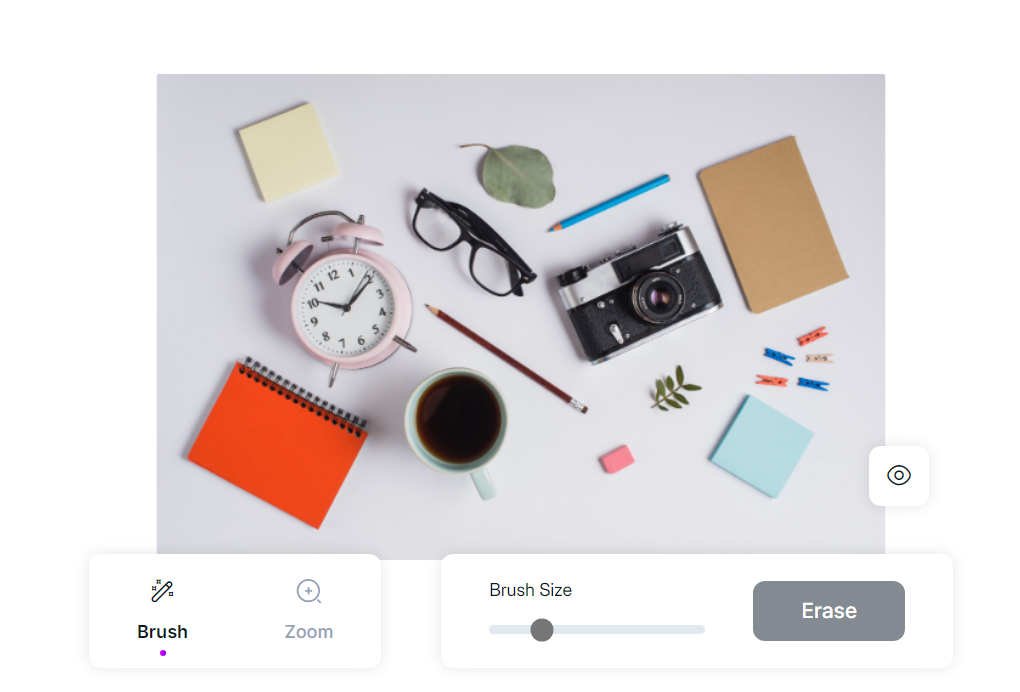
This week’s cool tool recommendation is Magic Eraser – a tool that allows you to remove specific objects or elements from any image.
Whether you want to eliminate an unwanted background, erase an object that distracts from the main subject, or simply enhance the overall composition, the Magic Eraser is your go-to solution.
This week’s cool tool recommendation is the image resizing tool – Insta Resize.
Why Use Image Resizer Tools?
Optimizing Load Times: One of the primary advantages of using image resizer tools is the ability to optimize load times on websites and digital platforms. Large images can significantly slow down webpage loading, leading to a poor user experience and potential bounce rates. Resizing images allows you to strike a balance between visual appeal and efficient loading times.
Bandwidth Conservation: For those managing websites or applications with limited bandwidth, resizing images is an important strategy for conserving resources. By reducing the file size of images, you save bandwidth and ensure a smoother experience for users with slower internet connections.
Responsive Design: Image resizer tools enable you to create versions of your images that are optimized for different screen sizes. This ensures that your visuals look impeccable on a desktop, tablet, or smartphone, providing a seamless experience across devices.
Search Engine Optimization (SEO): Search engines consider website speed as a ranking factor. Large image files can negatively impact your site’s loading speed, affecting its SEO performance. By using image resizer tools, you contribute to a faster-loading website, potentially improving your search engine rankings.
Social Media Optimization: Social media platforms have specific size requirements for images. Image resizer tools make it easy to adapt your visuals to meet these guidelines, ensuring that your content looks polished and professional across various social media channels.
Other Popular Image Resizer Tools
Adobe Photoshop: A powerful and widely used tool that offers comprehensive image editing capabilities, including resizing.
GIMP (GNU Image Manipulation Program): An open-source alternative to Photoshop, GIMP provides a range of features, including image resizing.
Canva: Known for its user-friendly interface, Canva allows users to resize images effortlessly, making it an excellent choice for non-designers.
ImageOptim: Specifically designed for compression and optimization, ImageOptim is ideal for those focused on web performance.
Bulk Resize Photos: As the name suggests, this tool is perfect for resizing multiple images simultaneously, streamlining the process.
I love learning about new tools to make social media marketing more creative and effective, so I’ve decided to share some of my favourite tools with you at the start of each week. This week’s cool tool recommendation is photo-editing tool BeFunky.
There is so much you can do with this tool to enhance your visual marketing assets, including creating collages, adding “one-click” photo effects (there are over 300 photo effects and filters to choose from) and an array of graphics (eg speech bubbles). The basic account is free to use and provides users with access to a library of 125 digital effects.
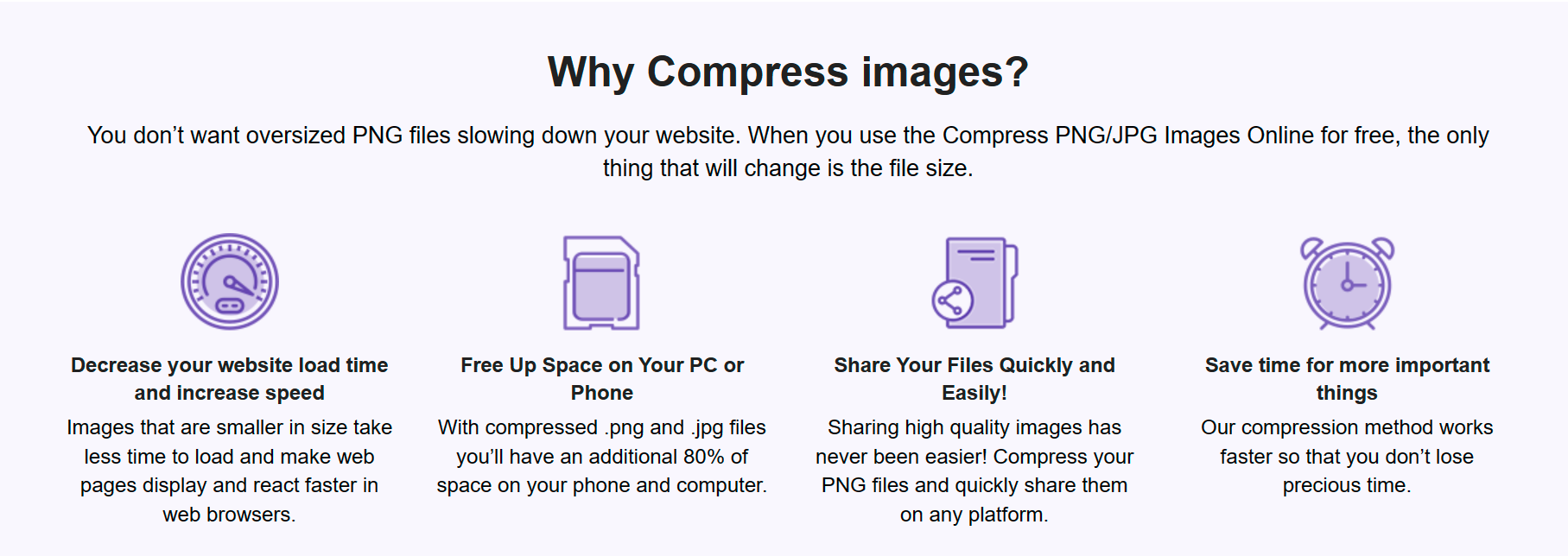
This week’s cool tool recommendation isan image compressor tool from Website Planet.
Why Image Compression Matters
Large image files can significantly slow down page load times, affecting user experience and search engine rankings. That’s where a reliable image compressor becomes essential.
Website Planet’s Image Compressor tool offers a user-friendly interface that simplifies the image compression process. It allows you to compress PNG and JPG files effortlessly while maintaining the quality of your images.
Two other image compression tools worth checking out are: Squoosh, and Picsart.
With the rise of social media platforms and mobile devices, people now have access to vast amounts of information at their fingertips. This has resulted in a shift in online behaviour, as more and more people turn to online platforms for research into health conditions.
1. Harnessing the Power of Social Media
With 31% of consumers actively using social media for health-related queries, and an even more significant 29% preference among Gen Z and Millennials, understanding the dynamics of social search is paramount. Engaging with audiences on platforms like Instagram, TikTok, and Twitter can provide healthcare marketers with unique opportunities to share credible information, connect with patients, and establish thought leadership.
While social media’s influence is undeniable, search engines remain a cornerstone for healthcare information seekers. A resounding 88% of consumers consider search engines the most effective means of finding healthcare answers. Healthcare marketers must ensure that content aligns with evolving algorithms and ranking factors. Staying at the forefront of SEO trends is essential for maintaining visibility and credibility in the healthcare landscape.
With 54% of consumers primarily using their phones for health-related queries, crafting mobile-first experiences becomes a strategic imperative. For healthcare marketers, this means optimizing websites, content, and communications for seamless mobile interactions. As a deeper dive into generational habits reveals, a significant percentage of Gen Z, Millennials, and Gen X users favor mobile devices, emphasizing the need for mobile-centric strategies.
5. Tailoring Strategies to Generational Preferences
Understanding the diverse preferences of different generations is key for healthcare marketers. Tailoring strategies to align with the preferences of Gen Z, Millennials, and Gen X ensures that healthcare content and experiences resonate effectively. Leveraging social media, optimizing for mobile searches, and tailoring messaging to each generation’s unique characteristics can enhance engagement and foster meaningful connections with patients and healthcare consumers.










 Health Care Social Media