This week’s cool tool recommendation is time zone converter tool Savvy Time.
With the clocks changing this past weekend here in Europe, this tool became super useful for me as I tried to calculate timing between three different time zones for a forthcoming webinar. Users can choose to compare between time zones or cities, and will find the current time in both locations.
This week’s cool tool recommendation is automation tool IFTTT.
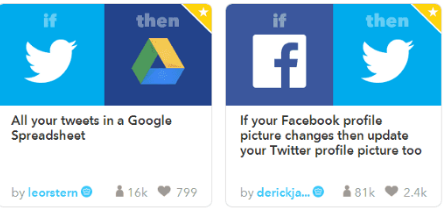
IFTTT (an acronym for If This, Then That) allows you to sync up multiple apps so that when a certain activity happens, it kicks off a separate activity in another app. There are lots of ways to use this tool, for example, I use IFTTT to add my tweets to a Google Spreadsheet to create a Twitter Bank of tweets to draw on.
I’m not a big fan of automating social media activity but used well, it is a boon to time-pressed social media marketers. The key to making it work is to spend time creating genuine, engaging content, and then maximizing its performance through the strategic use of automation tools.
This week’s cool tool recommendation is RiteTag, a useful Chrome extension which gives you instant feedback on your hashtag choices as you type them.
How It Works
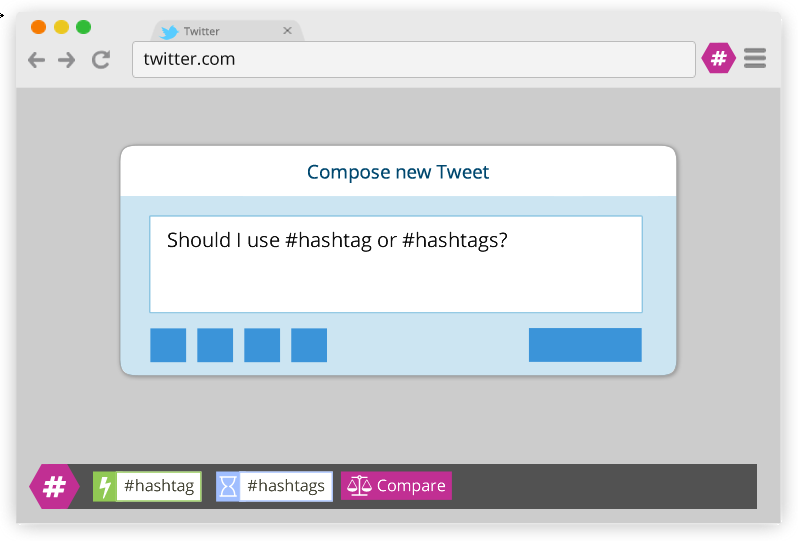
RiteTag shows you how hashtags are performing on Twitter and Facebook before you post content. Once you log in to RiteTag using your Twitter or Facebook credentials, it checks the hashtags you begin typing in real time and color codes them:
If your hashtag is green, it means the hashtag will help your content be seen now.
If your hashtag is blue, it means the hashtag will help your content be seen over time.
If your hashtag is gray, you should select a new hashtag because it has low levels of engagement.
If your hashtag is red, you should select a new hashtag because it’s so popular, your content will disappear into the crowd.
I love learning about new tools to make social media marketing more creative and effective, so I am sharing some of my favourite tools with you at the start of each week.
This week’s cool tool recommendation is Emojipedia– an online database of emojis.
Using emoji on social media can increase engagement and when used in email subject lines, it can increase open rates. This tool enables you to easily copy and paste emoji.
I love learning about new tools to make social media marketing more creative and effective, so I’ve decided to share some of my favourite tools with you at the start of each week.
This week’s cool tool recommendation is keyword research tool – Soovle.
I’ve been performing a lot of keyword searches for new clients lately and trying out new tools to help me with this task. For in depth, granular searches I’m using a paid tool, but if you just want to do a quick keyword search there are some really useful free tools you can try first.
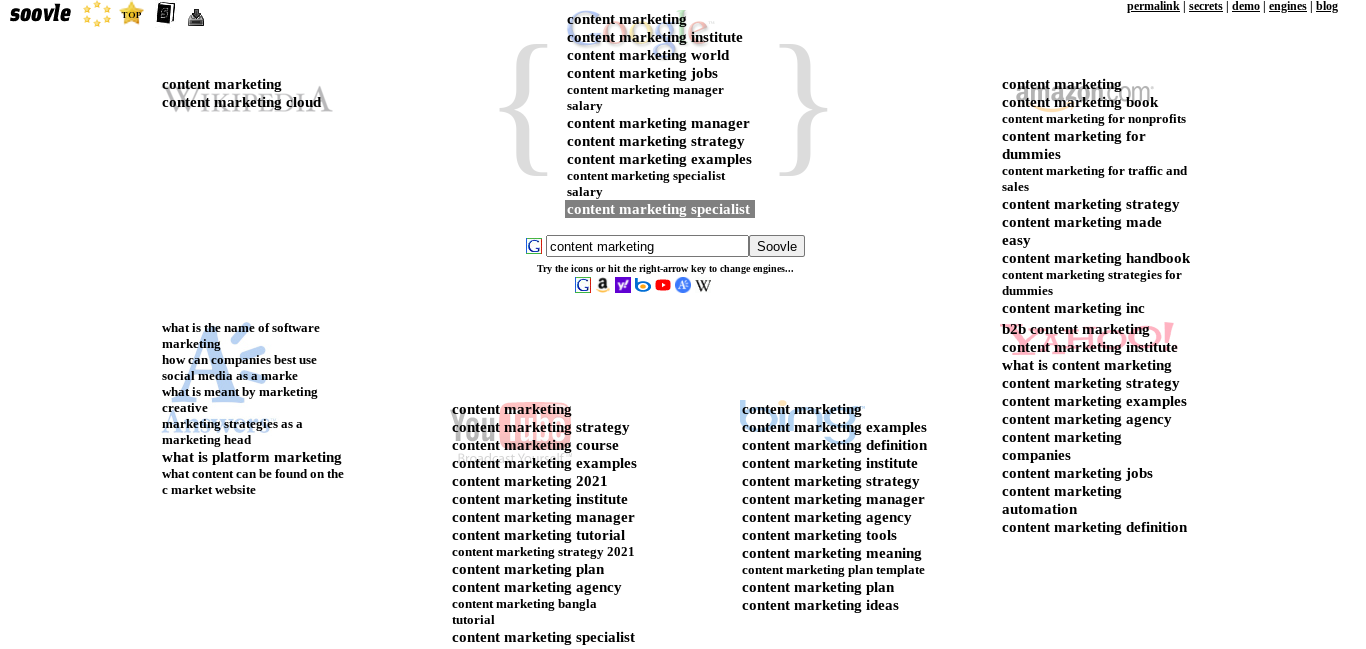
Soovle is one of the quickest tools out there. Enter one of your search terms and it’ll autocomplete suggestions from a wide variety of search engines, including Google, Youtube, Bing, Amazon and Wikipedia.
Here’s what I find when I search for keywords related to the term “content marketing”.
It’s really instructive and interesting to see the commonalities – and differences – between searches on different platforms.
I love learning about new tools to make social media marketing more creative and effective, so I’ve decided to share some of my favourite tools with you at the start of each week.
This week’s cool tool recommendation is TinyPNG – a handy compression tool for JPEG and PNG images to make your sites and apps faster.
TinyPNG uses smart lossy compression techniques to reduce the file size of your image files. By selectively decreasing the number of colors in the image, fewer bytes are required to store the data. The effect is nearly invisible but it makes a very large difference in file size.
Use TinyPNG to shrink images for your apps and sites. It will use less bandwidth and load faster. The files produced by TinyPNG are displayed perfectly on all modern browsers including mobile devices.
This week’s cool tool recommendation is Buzzsumo a useful tool to explore what pieces of content are popular on social media around a certain topic.
Use it to analyze what content performs best for any topic or competitor, and find the key influencers to promote your content.
Here’s an overview of what turns up when I input “social media marketing tips” into Buzzsumo’s search tool.
I can easily determine which posts are most popular through the number of shares they get.
And here’s what I see when I input my own domain name into the search bar. I could do the same with my competitors’ domains and see what is performing well for them.
The free version is useful to get a quick snapshot, but if you are interested in doing more with the tool, such as viewing backlinks and who is sharing your content, you will need to upgrade to the paid version.
I love learning about new tools to make social media marketing more creative and effective, so I share some of my favourite tools with you at the start of each week. This week I’m recommending Google Mobile Friendly Test.
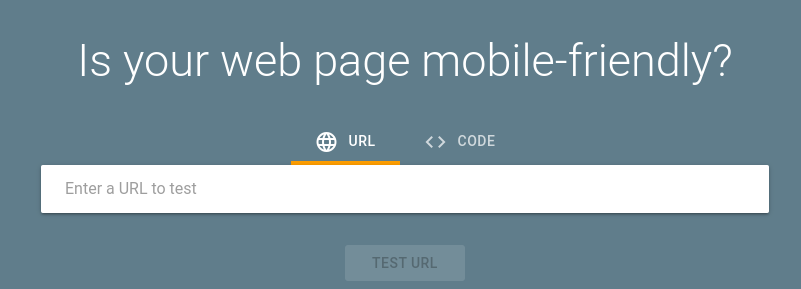
Use Google Mobile-Friendly Test to see how easily a visitor can use your page on a mobile device. Just enter a page URL to see how your page scores.
Having a mobile-responsive site (ie one that automatically changes its layout and placements of certain menus and buttons automatically) is important because firstly, not only are over half of patients searching online for health information on their smartphone, but secondly, Google now gives ranking priority to those sites that are mobile friendly. In fact, Google has stated that it will penalize websites that aren’t mobile-responsive, so if your site isn’t optimized for mobile devices, you’ll likely lose out significantly in the organic search rankings.
To check if your site’s design is responsive, enter its URL into thisGoogle tool.
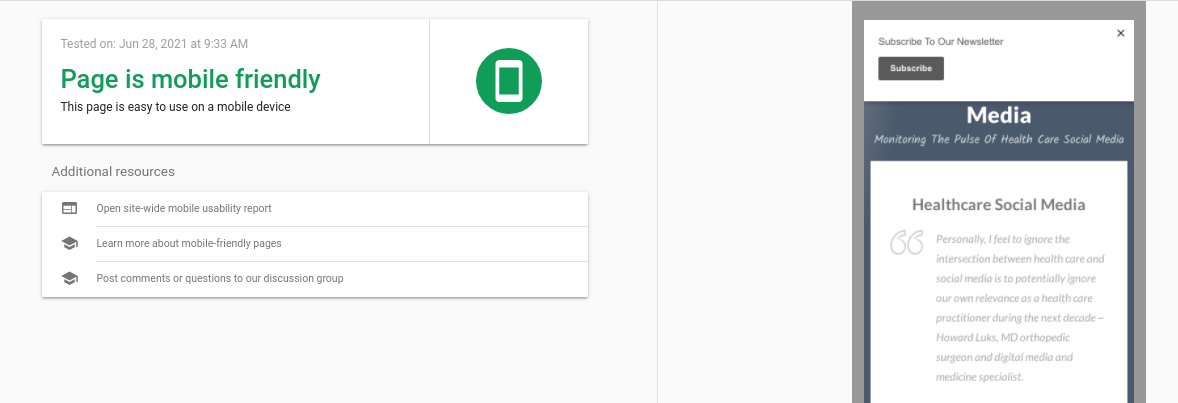
Here are the results I get for my website.
It only takes a few seconds to do and it’s an important element of your website optimisation.






 Health Care Social Media