Posted in AI, Cool Tool

Monday Morning Cool Tool: Hour One.ai

This week’s cool tool recommendation is the AI-powered video creation tool – Hour One.ai.

Top Features

  • Virtual Human Presenters: Choose from a library of AI presenters or create a custom one to resonate with your audience.
  • Languages & Voices: Break down language barriers with over 100 language and voice options, or use your own voice or a combination of samples for a unique touch.
  • Professionally Designed Templates: A wide array of templates simplifies video creation, from product demos to training videos.
  • AI Video Tools: Harness the power of GPT-3 with the script wizard, transforming your idea into a full-fledged video script with a single prompt.
  • Brand and Customization: Maintain brand consistency with a dedicated hub to store your logo, colors, intros, outros, custom templates and AI presenter choices.

Pricing

The tool offers a range of plans to suit different needs:

  • Basic Plan: Free
  • Lite: $30 per month
  • Business: $112 per month
  • Enterprise: Custom pricing

Posted in Cool Tool

Monday Morning Cool Tool: Vizly

Elevate your data insights with this week’s cool tool recommendation: AI-powered data visualization tool – Vizly.

Here’s how it works

  • Upload a file you would like to analyze – simply drag and drop a CSV, Excel, or JSON file into the chat.
  • Ask any question about your data in plain language, or click the suggestions Vizly automatically produces.
  • Vizly can support any visualization type, including scatter plots, bar charts, pie charts and line charts.
  • Generate a comprehensive report of your analysis, share a link, and export to Word, PDF, and more.

Pricing

Try it for free: Vizly offers a free trial, allowing up to 10 messages per month.

Posted in AI, Cool Tool

Monday Morning Cool Tool: MagicRoll.ai

This week’s tool cool recommendation is MagicRoll.ai – an AI-powered video editing tool that automates video creation.

MagicRoll.ai offers features like B-roll generation (the tool automatically selects and inserts complementary footage (B-roll) into your main video (A-roll), visual enhancements, and AI-generated subtitles. The platform is designed to be user-friendly, enabling anyone to create professional videos quickly without prior editing experience.

MagicRoll.ai also supports instant backdrop swapping and multi-language subtitles to enhance video engagement and accessibility. It is free to use for the first 30 days with a trial that includes limited video processing.

Posted in AI, Cool Tool

Monday Morning Cool Tool:Leonardo.Ai

This week I’m recommending an AI-powered image generator – Leonardo.Ai.

If you’re new to the world of AI image generators, Leonardo.Ai is an excellent starting point. It’s a free tool that allows you to experiment with ease. Creating the ideal image starts with a prompt that outlines the style, aesthetics, size, and specific details you’re looking for. Leonardo.Ai assists in this process with two key features: a random prompt generator to ignite your creativity and a prompt enhancement tool that suggests alternative wording or keywords to improve the quality and relevance of your generated images.

Should I disclose that my image is made by AI?

Yes. If you are using an image that is entirely created by an AI image generator, you should disclose that wherever you are sharing it.

Pricing

When you sign up to Leonardo.AI you automatically get access to their free plan, which gives you 150 tokens every eight hours. This is more than enough to experiment with the platform and create a variety of images. If you want to take your image generation to the next level, you can upgrade to one of their premium plans. These plans offer additional editing tools and capabilities, allowing you to fine-tune your creations and achieve even more impressive results. Keep in mind that images generated on the free plan are public, so if you prefer to keep your creations private, consider subscribing to a paid plan.

I highly recommend giving Leonardo.Ai a try. It’s a fun and intuitive way to explore the possibilities of AI-generated art!

Posted in Cool Tool

Monday Morning Cool Tool: Answer Socrates

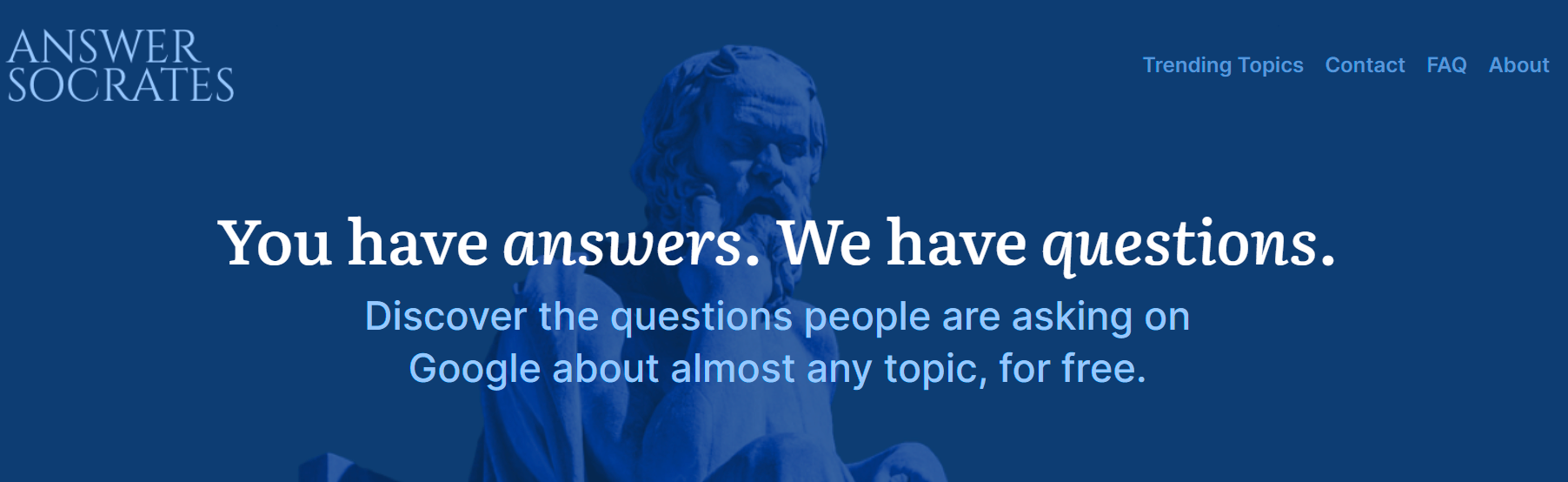
This week’s cool tool recommendation is SEO keyword research tool – Answer Socrates.

Answer Socrates gathers information from various sources, including Google Suggests, People Also Asked (PAA) boxes, and Google Trends. These sources provide insights into what people are searching for online.

When you enter a keyword or topic, Answer Socrates generates related questions that real people have asked on Google. These questions can spark ideas, help you understand common queries, and guide your research.

How to use Answer Socrates to improve your Search Engine Optimisation

Keyword Research: Use the tool to discover relevant keywords and phrases related to your content. It provides insights into what people are searching for, helping you identify high-impact keywords.

Content Ideas: Explore the questions generated by Answer Socrates. These can inspire blog posts, articles, or FAQs. By addressing common queries, you improve your chances of ranking well in search results.

User Intent: Understanding user intent is crucial for SEO. Answer Socrates reveals the types of questions users ask. Create content that aligns with their needs and intentions.

Long-Tail Keywords: Long-tail keywords (specific, less competitive phrases) are essential for targeted traffic. Answer Socrates highlights long-tail queries that you can incorporate into your content.

You might also like to read: Avoid These Keyword Mistakes to Boost Your SEO Strategy

Posted in Cool Tool

Monday Morning Cool Tool: ApowerSoft Screen Recorder

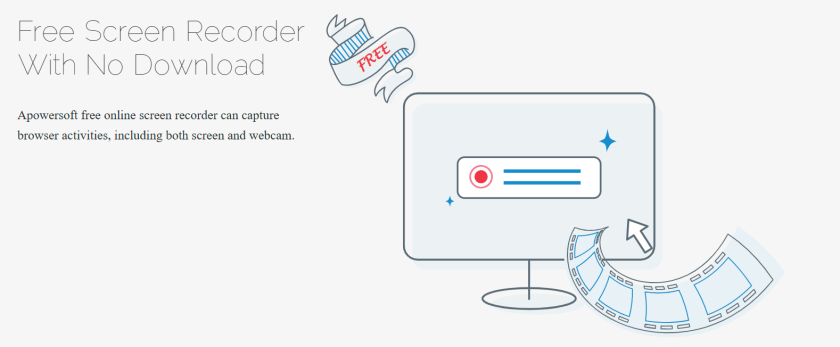
This week’s cool tool recommendation is aΒ free screen recording tool – Β ApowerSoft Screen Recorder.

This versatile tool enables you to capture browser windows, desktop activities, or webcam footage simultaneously, without any time restrictions or the need for downloads.

The resulting video can be stored on the local drive, uploaded to a cloud platform, and shared on social media or with others.

For similar tools, check out :

Posted in Cool Tool

Monday Morning Cool Tool: RemoveBGΒ 

This week’s cool tool recommendation is Β RemoveBGΒ – a background remover tool for your images.
With its powerful AI technology, this online tool removes the hassle of background removal. Unlike other background removers that rely on manual selection or preset tools, Remove.bg uses AI to identify and remove the background from your image swiftly.

Ready to give it a try? Head over to Remove.bg and experience the magic of AI-powered background removal for yourself!

Posted in Cool Tool, Video

Monday Morning Cool Tool: Clip Creator

This week’s cool tool recommendation is Clip Creator – a free AI-powered video maker from HubSpot.Β 

Creating engaging and professional videos can often seem like a daunting task, especially for beginners with no prior experience in video editing. However, with the advent of AI-powered tools, this process has become significantly easier. Among these innovative tools, Clip Creator stands out as an intuitive AI video generator for beginners.

Clip Creator provides an extensive selection of video templates suitable for a variety of needs and formats. Whether you aim to craft a landscape video for YouTube or a portrait video for Instagram Stories, Clip Creator has the tools you need.

Posted in Cool Tool

Monday Morning Cool Tool: Screenity

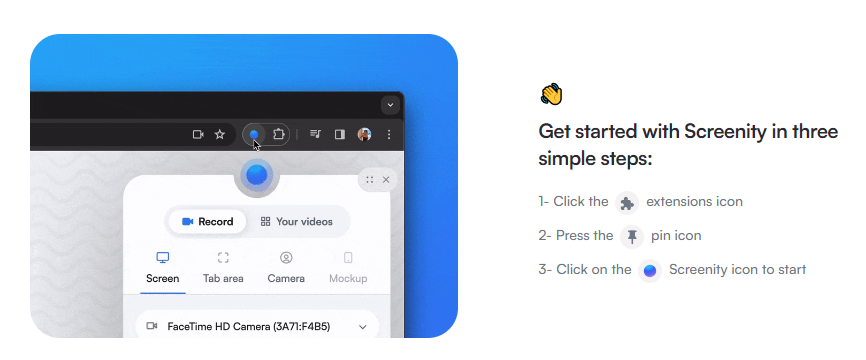
This week’s cool tool recommendation is Screenity –Β  a free screen recorder and annotation tool.

Here are some of its features:

  1. Recording: You can make unlimited recordings of your tab, desktop, any application, and camera.
  2. Annotation: Annotate your recordings by drawing anywhere on the screen, adding text, and creating arrows.
  3. Mouse Interaction: Highlight your clicks, focus on your mouse, or hide it from the recording.
  4. Audio Controls: Individual microphone and computer audio controls, push to talk, and more.
  5. Customization: Customize countdowns, show controls only on hover, and explore other customization options.
  6. Export Formats: Export your recordings as MP4, GIF, and WebM.
  7. Privacy-Friendly: No sign-in required
Β 

Posted in Cool Tool

Monday Morning Cool Tool: Cutt.ly

This week’s cool tool recommendation is Cutt.ly – a URL shortening tool.

What is a URL Shortener?

A URL (Uniform Resource Locator) is the address you type to access a website on the Internet. A URL shortener (also called a link shortener) makes it easy to manage long URLs. By using a URL shortener, you can reduce the length of your URL, which makes them more shareable and memorable.Β 

In addition, long URLs with letters, numbers, backslashes, and question marks can appear suspicious. As a result, people may be reluctant to click on the link.

There are several URL shorteners on the market, and today I am going to share one of those with you – Cutt.ly.

Let’s see it in action.Β 

As well as shortening your URL, Cutt.ly lets you create QR codes and customize your link to match your brand name or indicate what it is about (this is available on the paid plan). Furthermore, you can find out who clicks on them, where they are, and when they do so you can assess their effectiveness.