
Welcome to this week’s quick social media tip. This week I want to show you how to add GIFS to your tweets.
Want to add variety to your tweets and help them stand out? Try adding GIFs.
Here’s how
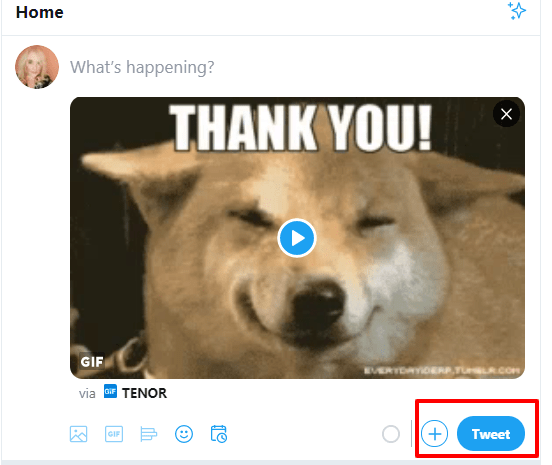
From the Tweet compose box, click the GIF icon to search for and select a GIF from the GIF library.

When you choose a GIF, the image will attach to your Tweet in full size.

Click Tweet to post.
Notes
- GIF attachments do not count towards the character limit in a Tweet.
- Animated GIFs can’t be included in Tweets with multiple images. You can send only one GIF in a Tweet.
- Twitter supports looping GIFs. If your animated GIF doesn’t loop and plays a single time, it will display as a static image.
Discover more from Health Care Social Media
Subscribe to get the latest posts sent to your email.

 Health Care Social Media